
TL;DR
Find restaurants, shops, or places from a trip again, even when you cannot remember the name or address.
Season: All year
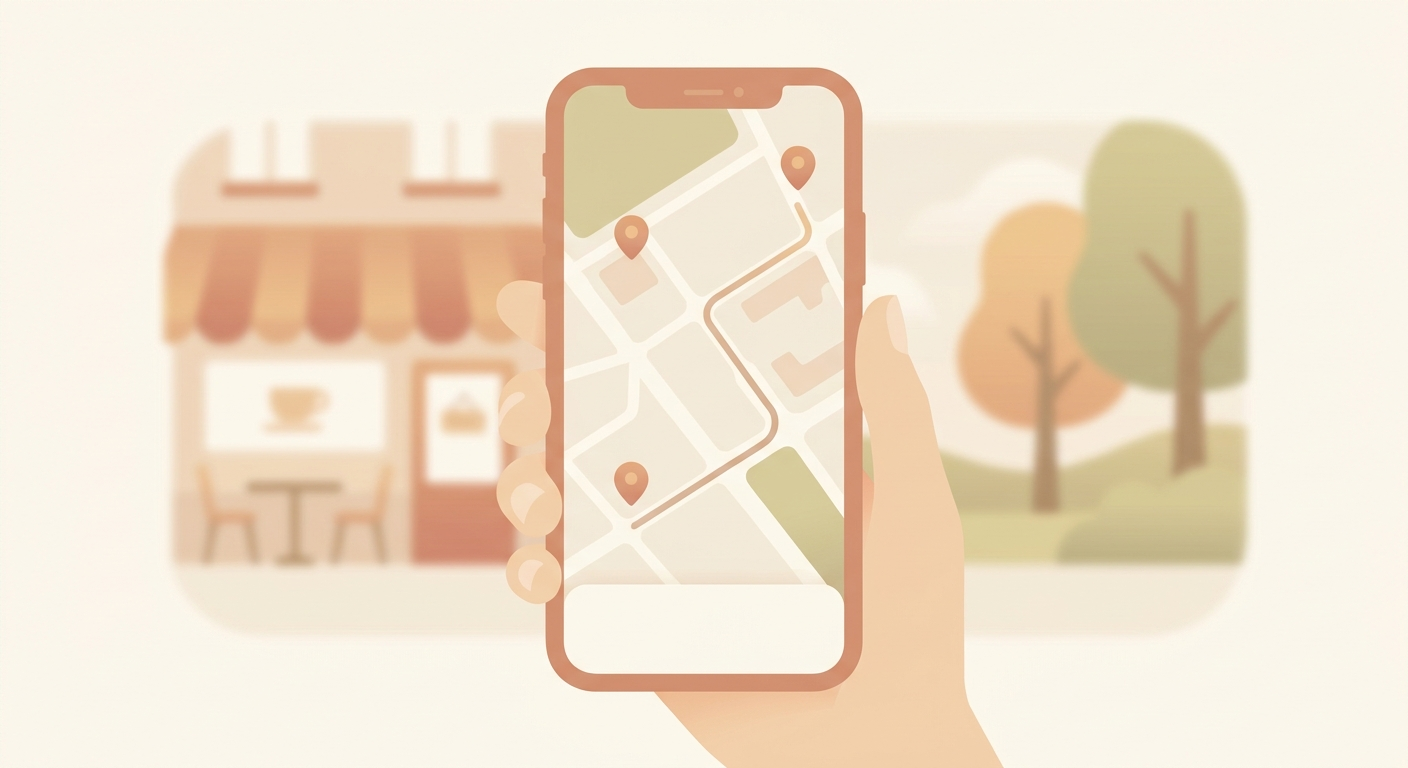
How to find it
- Open Apple Maps.
- Tap your profile picture.
- Choose Places.
- Open Visited Places.
- Search by category, city, or time period when you are trying to find a specific stop.
Why it helps
After a day out, a client visit, or a good meal, you often remember the area but not the exact name. Visited Places turns that vague memory into something you can open, save, share, or navigate back to.
Keep privacy under control
Use this only if you deliberately want a location history. Check the list from time to time, and delete individual entries or the full history when you no longer need it.
Turn it off or clear it
If you do not want the feature, go to Settings -> Maps -> Location -> Visited Places and turn it off there. You can also clear the history from the Visited Places section itself. The exact labels may vary slightly by iOS version.