
 Checked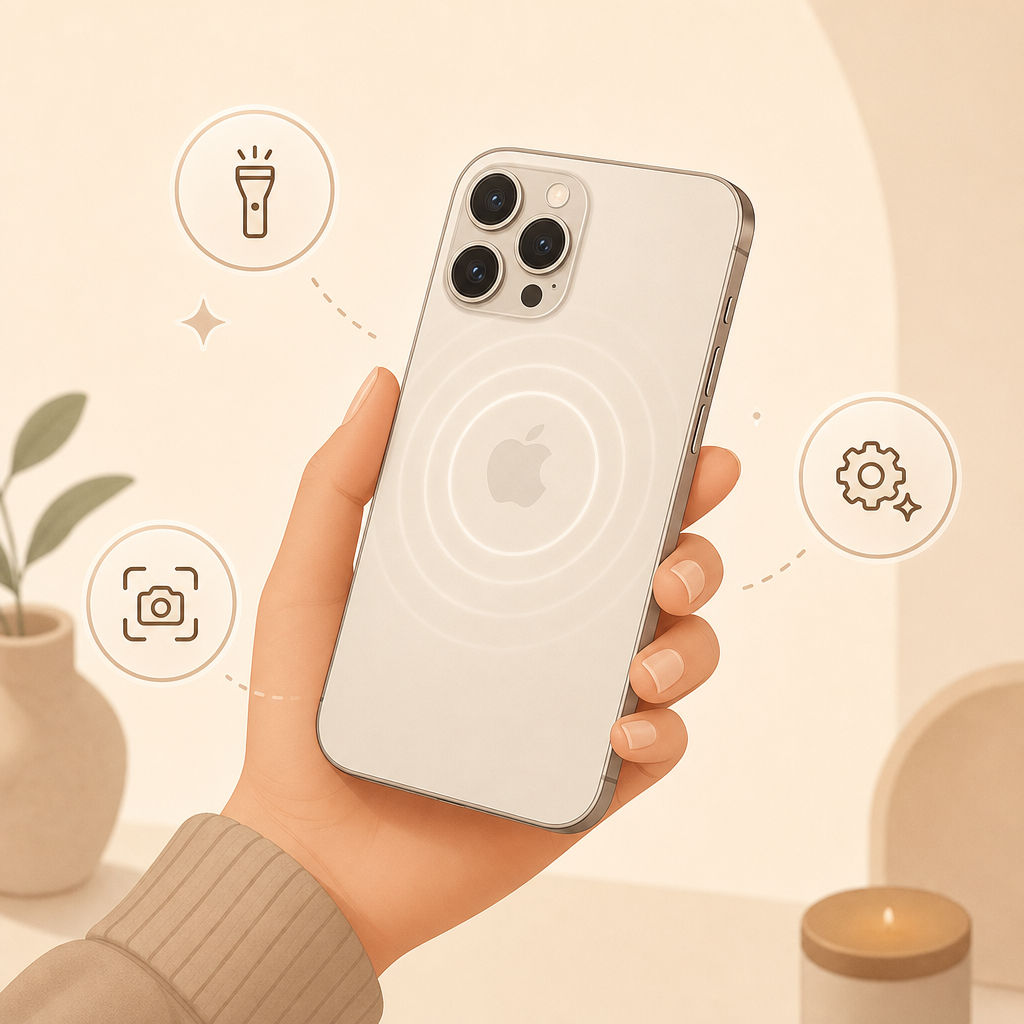
How to set it up
- Open Settings.
- Go to Accessibility.
- Tap Touch.
- Scroll down to Back Tap.
- Choose an action for Double Tap or Triple Tap.
Useful everyday actions
Back Tap is best for actions you use often but do not want to hunt for: screenshot, flashlight, camera, Control Center, mute, Focus mode, or accessibility tools like Magnifier and VoiceOver.
It becomes even more useful with the Shortcuts app. You can trigger a shortcut that opens your favorite playlist, creates a note, starts navigation home, or runs a smart home scene.
Why it helps
The shortcut is exactly where your fingers already are. You do not have to open an app, search for a widget, or hold a button. For actions you use several times a week, this removes small bits of friction and quickly starts to feel natural.
What to check
Test Back Tap with your case on. Very thick cases or shaky handling can make it less reliable or too easy to trigger by accident. For anything sensitive, Triple Tap is usually safer than Double Tap.
Sources
Selected references used to verify or support this tip.
- Apple Support: Use Back Tap on your iPhone Apple Support · official_docs