
TL;DR
Long-press the timer icon in Control Center to start a short timer without opening the Clock app.
Checked 1 source Season: All year
 Checked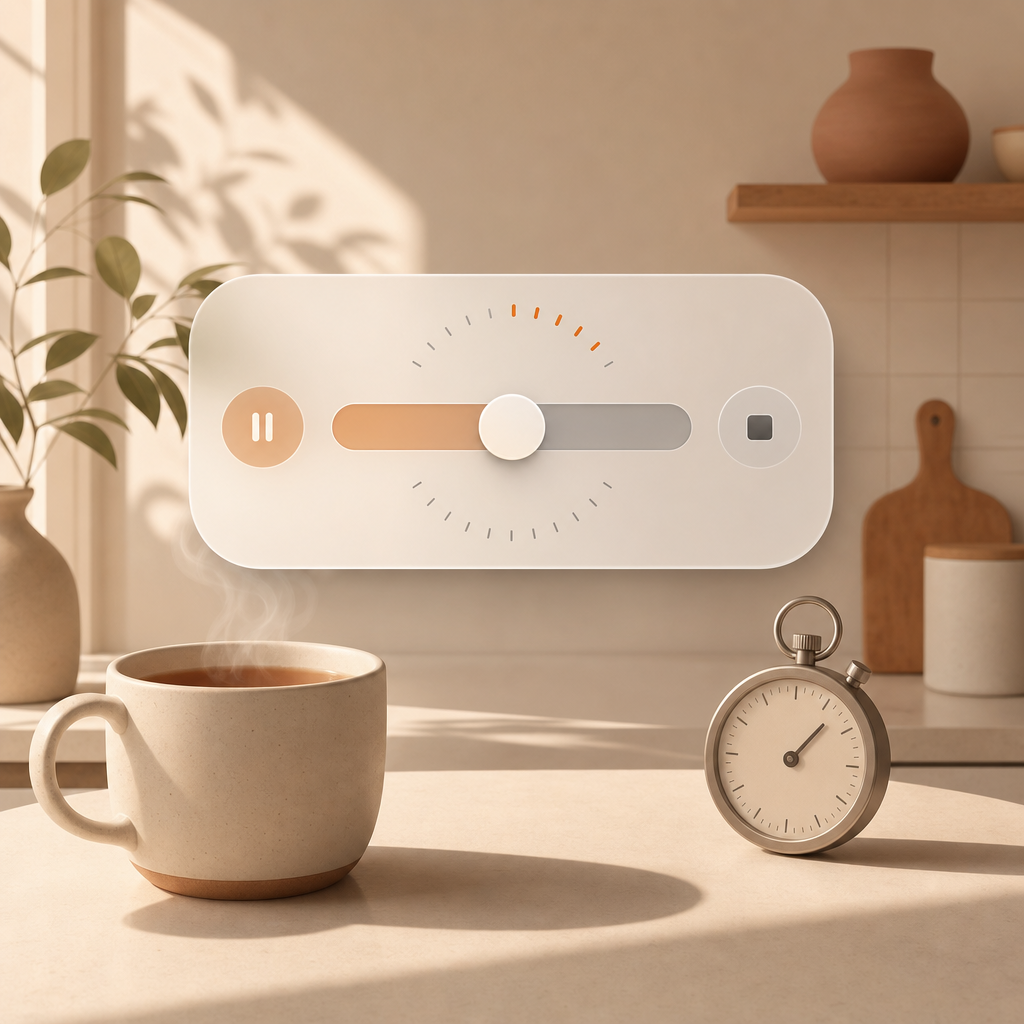
How to do it
- Open Control Center.
- If the timer is missing, tap + and add the timer control.
- Long-press the timer icon.
- Choose the duration with the slider.
- Tap Start.
Why it helps
For short timers, this is faster than opening the Clock app. It works well for tea, laundry, breaks, screen time, or any small thing you do not want to keep in your head.
Good to know
The slider is built for speed, not perfect precision. If you need an exact custom duration, the Clock app is still better. For normal everyday timers, the Control Center shortcut is usually the fastest route.
Sources
Selected references used to verify or support this tip.
- Apple Support: Use the timer or stopwatch on iPhone Apple Support · official_docs