
How to do it
- Open the notification settings on your phone.
- Review every app, not only the noisy ones.
- Turn off banners, sounds, and lock-screen alerts for shopping, games, news, social media, delivery apps, deals, and app marketing.
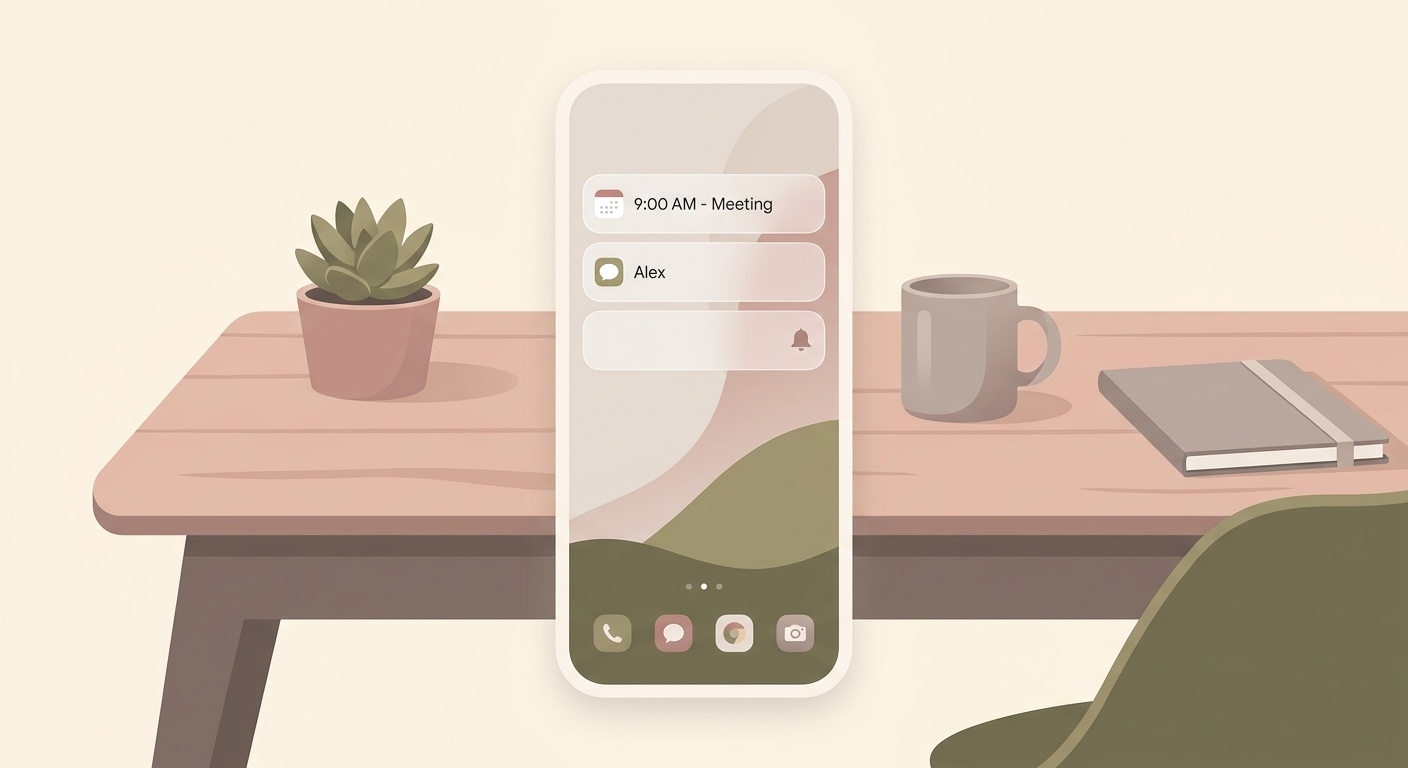
- Keep alerts on for calendars, banking security, direct messages from important people, and critical family or work channels.
- If needed, leave social apps on badges only, so you notice them when you choose to open the app.
Why it helps
Most app alerts serve the app before they serve you. Every interruption costs attention, even when you dismiss it immediately. A notification audit removes noise permanently instead of only filtering it for a few hours with focus modes.
iPhone and Android
On iPhone, go to Settings -> Notifications and open each app. On Android, the path is usually Settings -> Notifications -> App notifications. Depending on your phone, you can also disable specific notification channels such as promotions, recommendations, or status updates.
What should stay on
Do not switch everything off blindly. Calendar events, two-factor and security alerts, banking warnings, calls from important contacts, and family channels are worth keeping. The rule is simple: only people and real appointments should be allowed to interrupt you.