
TL;DR
A tiny label prevents future guessing games with chargers, adapters, and proprietary cables.
Season: All year
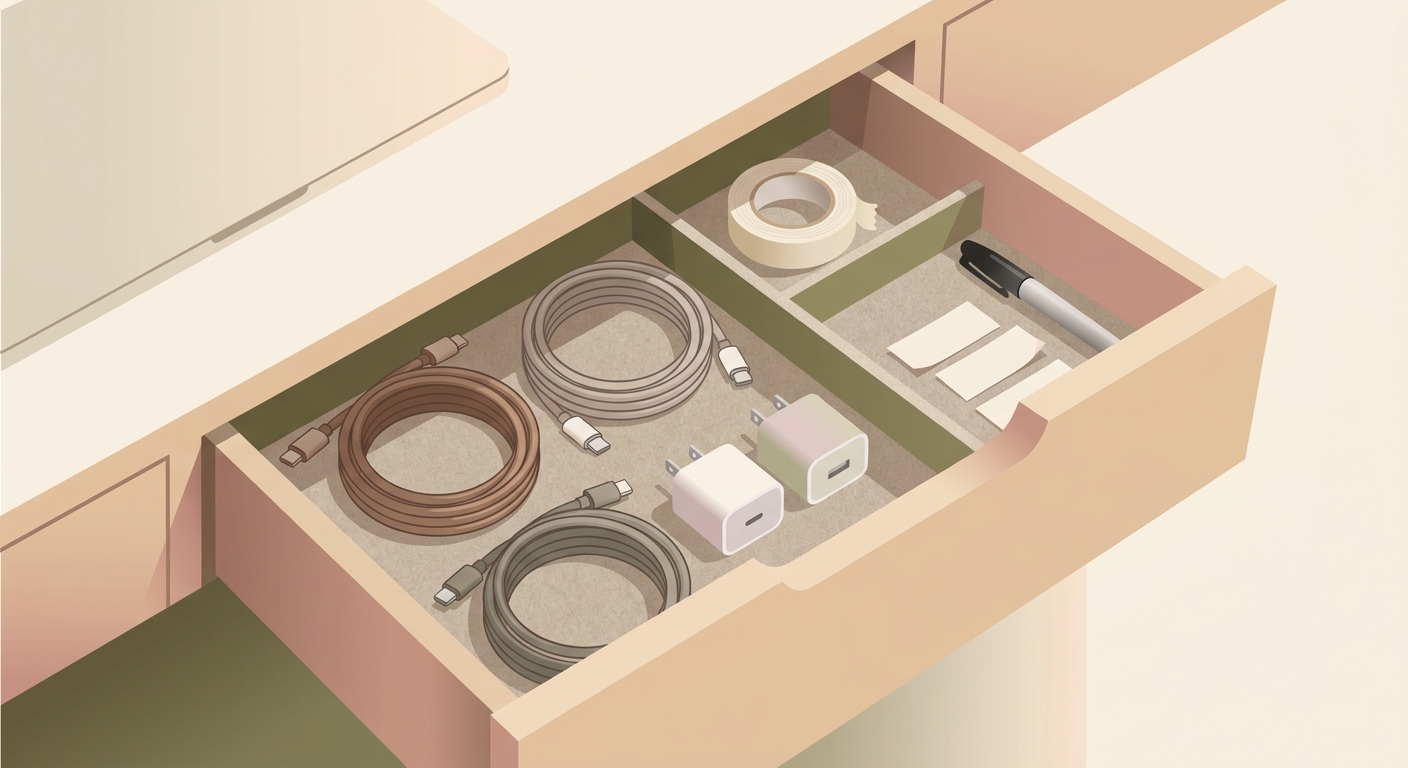
How to do it
- When a device comes with its own cable or power adapter, grab a label, masking tape, or a cable tie with a writing tab.
- Write the device name on both the cable and the adapter, for example
baby monitor,external SSD,bike light, ordocking station. - Store accessories, adapters, and spare parts together in a labelled bag, box, or drawer.
- If you rarely use the cable, add the storage location too:
basement shelf,travel bag, oroffice.
Why it helps
After a few months, many black cables look identical. Then you waste time testing plugs, searching manuals, or using the wrong adapter. Labelling the cable when you unpack it solves the problem while you still know exactly what it belongs to.
Be careful with power adapters
Do not cover voltage, amperage, or wattage information. Those markings need to stay readable, especially when several adapters have similar plugs. Put the label on the side or make a small tape flag on the cable instead.
Best candidates
Label chargers for cameras, shavers, toys, lamps, external drives, network gear, docking stations, and anything with a proprietary connector. For USB-C cables, you can also mark capability, such as 60 W, 100 W, or charging only.