
 Checked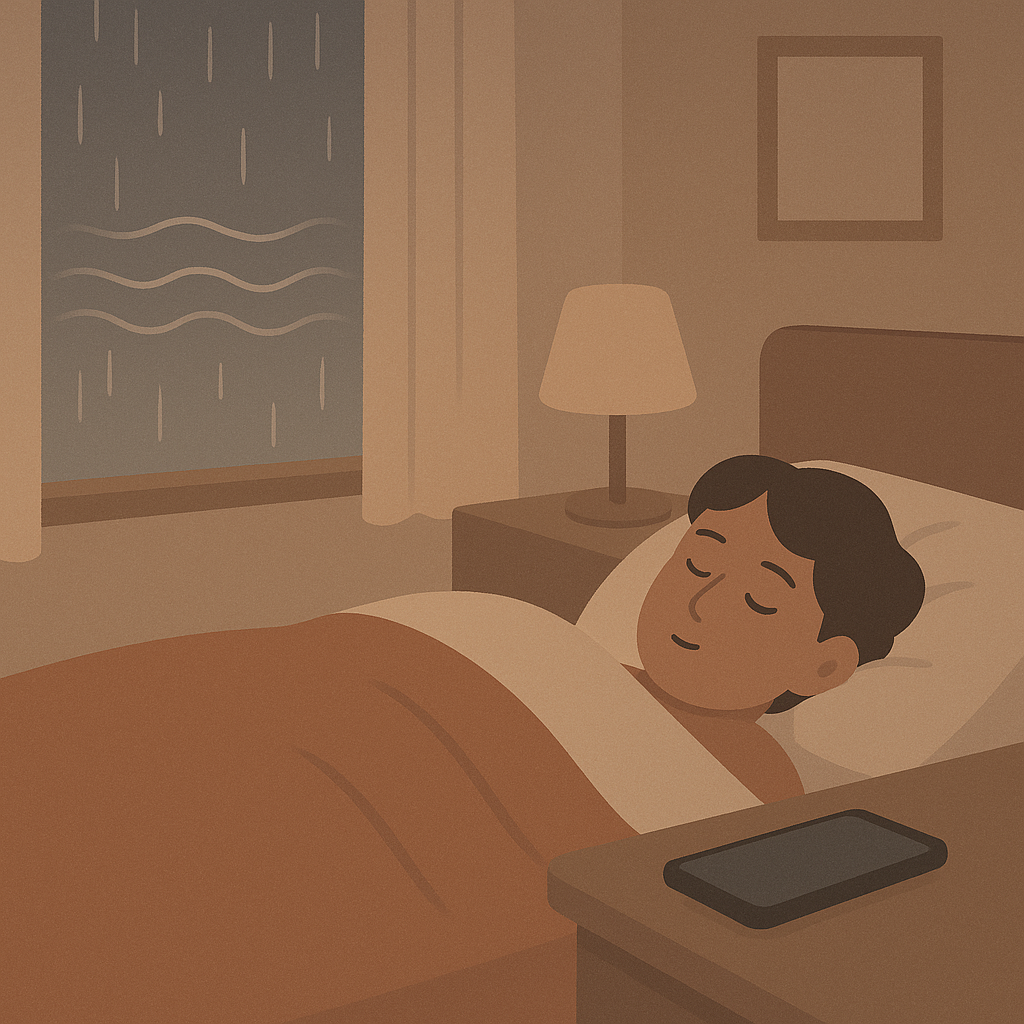
How to Enable It
Step 1: Activate Background Sounds
Open Settings → Accessibility → Audio/Visual → Background Sounds.
Turn on the toggle at the top (green).
Step 2: Choose Your Sound
Tap "Sound" and select:
- 🌧️ Balanced Noise — gentle, neutral
- ⚡ Bright Noise — higher frequencies
- 🌊 Dark Noise — deep frequencies
- 🌧️ Rain — realistic raindrops
- 🌊 Ocean — gentle ocean waves
- 🌀 Stream — flowing water
Step 3: Adjust Volume
Drag the slider to your preferred volume (25-50% recommended).
Enable "Use When Media Is Playing" → sounds automatically lower when you play music/videos.
Step 4: Quick Access Setup (optional)
Open Control Center (swipe down from top right).
Tap "+" → add "Hearing".
Now you can toggle Background Sounds directly from Control Center!
Why This Works
Scientifically proven:
White noise masks distracting sounds (traffic, conversations, AC) and creates a constant acoustic background. Your brain filters it out after a few minutes, helping you focus better.
For Better Sleep:
Studies show: White noise can reduce falling-asleep time by up to 38%. Especially effective with city noise, snoring partners, or thin walls.
For More Focus:
Consistent soundscape reduces sudden noises (that pull you out of flow). Perfect for deep work, studying, or focused tasks.
Good to Know
Advantages:
✅ Free (no extra app needed)
✅ Works offline (sounds stored locally)
✅ Runs in background (even with locked iPhone)
✅ Mixes with music/podcasts (automatically lowers volume)
✅ Battery-efficient (minimal power consumption)
Limitations:
⚠️ Only 6 sounds (external apps like Noisli, Dark Noise offer more)
⚠️ No timer function (runs until you manually stop it)
⚠️ No sound mixing (only 1 sound at a time)
Compatibility:
iPhone with iOS 15 or later. Also works on iPad and Mac (macOS Monterey+).
Perfect for:
- Open-plan offices (block out colleagues)
- Studying (library too loud)
- Travel (airplane, train, hotel)
- Falling asleep (mask city noise)
- Calming babies (consistent sound environment)
Tip:
Combine Background Sounds with Focus Mode (Settings → Focus) for maximum concentration: silent notifications + calming sounds = perfect work environment.
Sources
Selected references used to verify or support this tip.
- Apple Support: Play background sounds on iPhone Apple Support · official_docs