
TL;DR
Use a scheduled message to yourself when something needs to reappear at exactly the right time.
Season: All year
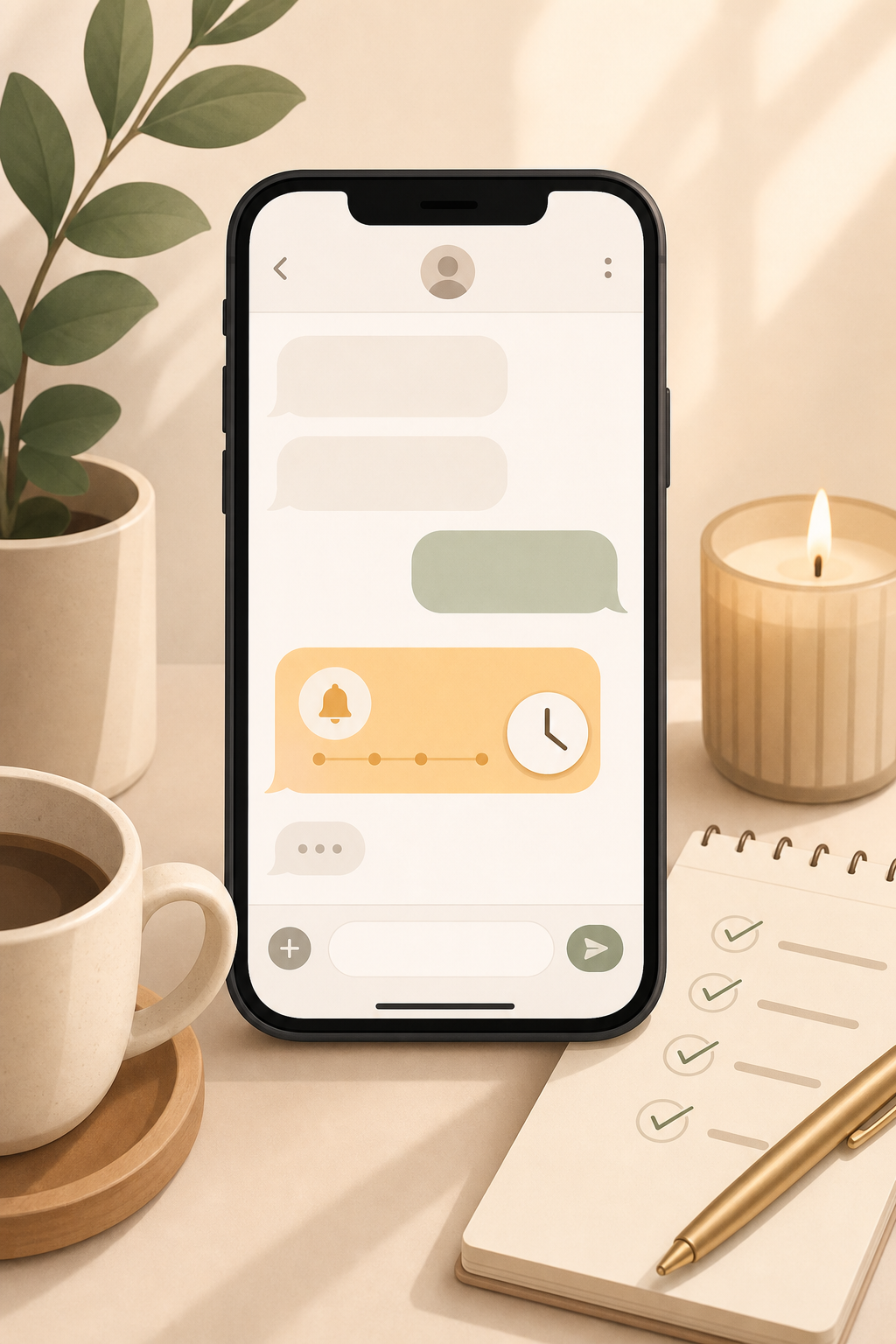
How to set it up
Write a short message to yourself and schedule it for the moment you actually need it. This works in apps that support scheduled sending, depending on your phone and messaging app.
What to put in the message
Make the reminder specific enough that your future self does not have to think: task, time, place, and link. For example: "Tomorrow 9:00: cancel contract, customer number 12345, link: ..."
Why it works
The reminder appears where you already look: your messages. That makes it useful for things that do not belong permanently in your task list but must become visible at a precise moment.
If your app cannot schedule messages
Use a calendar event, reminders app, shortcuts, or prepare the message as a draft instead. The tool matters less than making the note appear in the right place at the right time.