
TL;DR
Block spam calls and unknown telemarketing numbers automatically - they go straight to voicemail without ringing.
Checked 1 source Season: All year
 Checked
 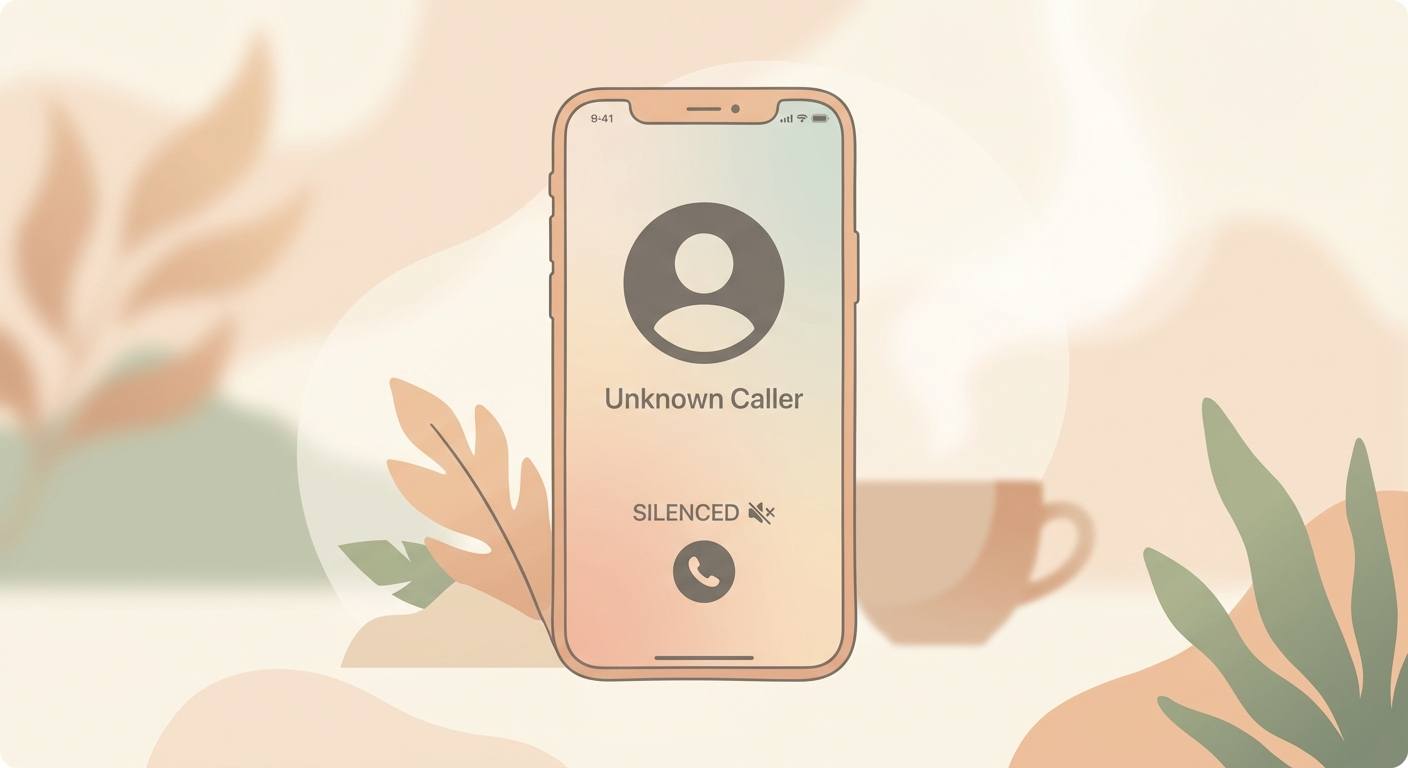 ## How to do it 1. Open **Settings** 2. Go to **Apps** → **Phone** 3. Enable **"Silence Unknown Callers"** 4. Done! Unknown numbers will now be sent directly to voicemail ## Why this helps iOS uses artificial intelligence to recognize numbers. It checks not only your **Contacts**, but also numbers from your **Mail** and **Messages** apps. Only completely unknown callers (you've never had contact with) are silenced. **What happens with silenced calls:** - Caller goes directly to voicemail (can leave message) - Appears in call list under "Missed" - No ringing, no notification **Important:** You might miss an important call (e.g., doctor from central number, delivery service, friend from unknown landline). Therefore: **check voicemail regularly** and **review call list**. **When useful:** - You get many spam calls - Telemarketing annoys you - You want peace from unknown numbers **When NOT useful:** - You often expect calls from new/changing numbers - You work in customer service - Medical emergencies (doctors might use new numbers) **Alternative:** Manually block individual spam numbers: Call list → (i) → "Block Caller". **Requirement:** iOS 13 or newer
Sources
Selected references used to verify or support this tip.
- Apple Support: Screen and block calls on iPhone Apple Support · official_docs