
TL;DR
Block spam calls and unknown telemarketing numbers automatically - they go straight to voicemail without ringing.
Checked 1 source Season: All year
 Checked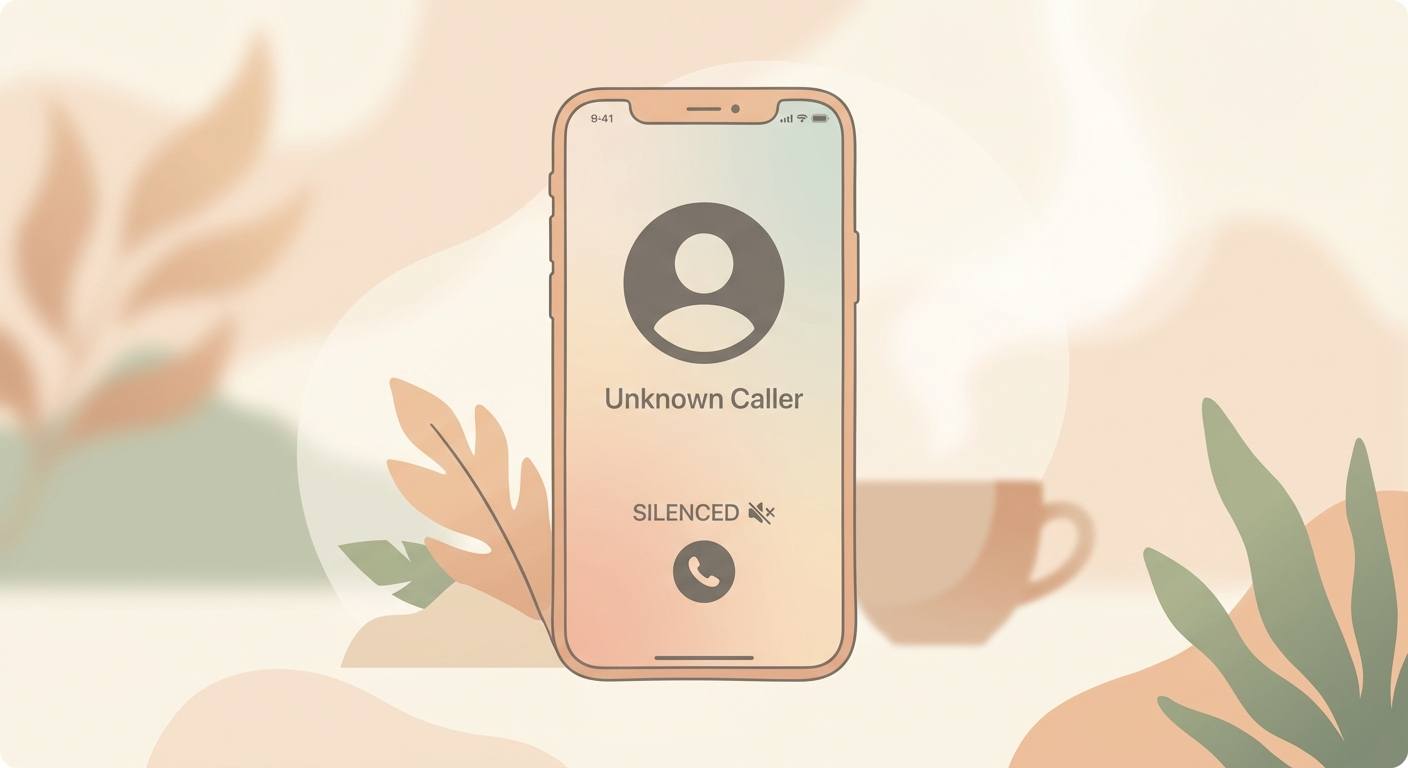
How to do it
- Open Settings
- Go to Apps → Phone
- Enable "Silence Unknown Callers"
- Done! Unknown numbers will now be sent directly to voicemail
Why this helps
iOS uses artificial intelligence to recognize numbers. It checks not only your Contacts, but also numbers from your Mail and Messages apps. Only completely unknown callers (you've never had contact with) are silenced.
What happens with silenced calls:
- Caller goes directly to voicemail (can leave message)
- Appears in call list under "Missed"
- No ringing, no notification
Important: You might miss an important call (e.g., doctor from central number, delivery service, friend from unknown landline). Therefore: check voicemail regularly and review call list.
When useful:
- You get many spam calls
- Telemarketing annoys you
- You want peace from unknown numbers
When NOT useful:
- You often expect calls from new/changing numbers
- You work in customer service
- Medical emergencies (doctors might use new numbers)
Alternative: Manually block individual spam numbers: Call list → (i) → "Block Caller".
Requirement: iOS 13 or newer
Sources
Selected references used to verify or support this tip.
- Apple Support: Screen and block calls on iPhone Apple Support · official_docs