
TL;DR
Create one shared grocery list in Apple Reminders so everyone can add items quickly and tick them off in the store.
Checked 2 sources Season: All year
 Checked
 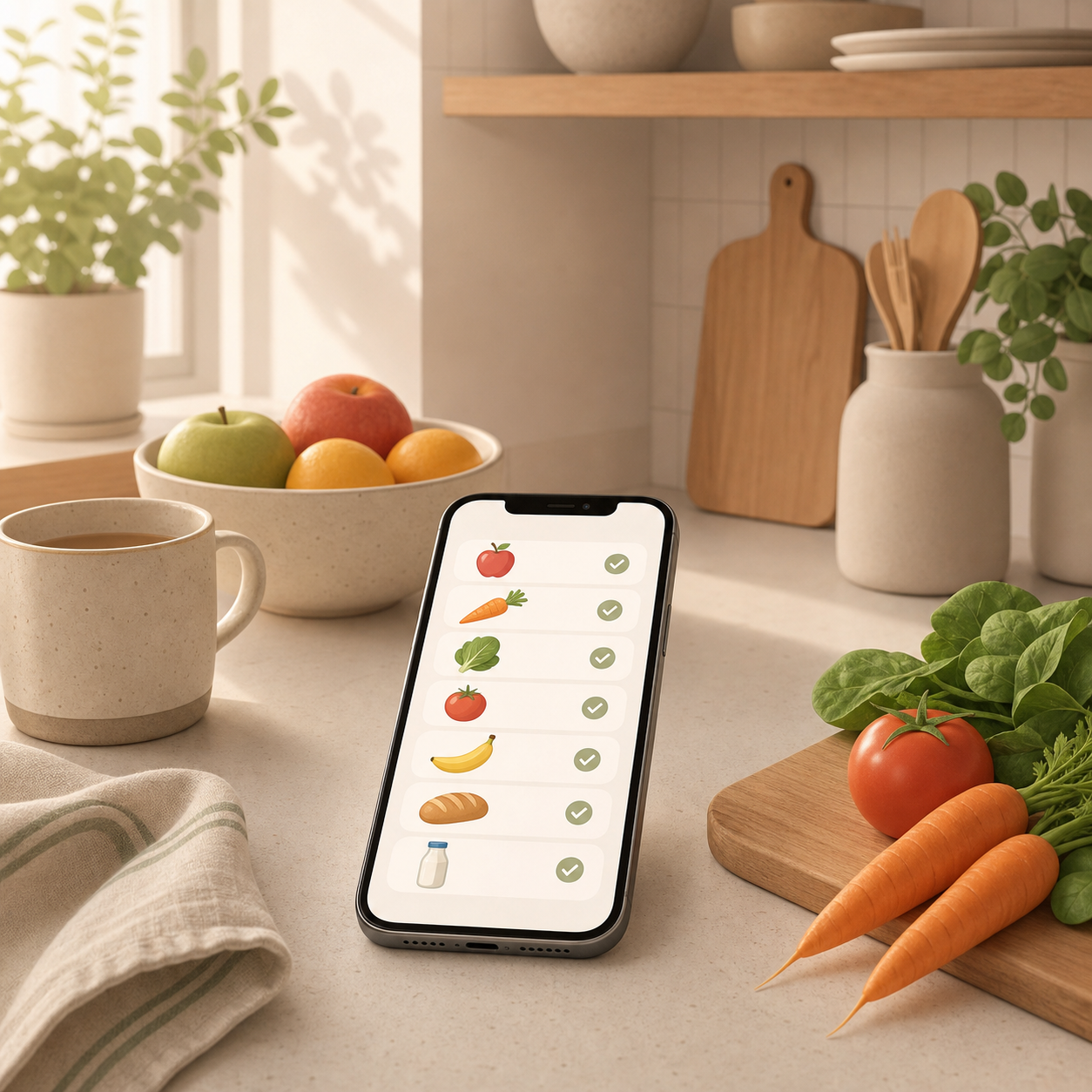 ## Set it up once Open Reminders on your iPhone and create a new list with a clear name such as Groceries, Weekly shop, or Family shopping. Tap Share, invite the people who should be able to add or complete items, and then check the list settings. If iOS offers the Grocery List type, turn it on. It can automatically group many items into sections such as produce, chilled items, or household. The key rule is simple: use this list as the single place for things that need to be bought. If someone writes that a product is missing, move it into the list immediately. Chat stays useful for discussion, while the list stays reliable for actual shopping. ## Add items without friction This works best when adding an item takes almost no effort. Say something like: Hey Siri, add oat drink to the grocery list. You can also select text from notes, package photos, or web pages and share it to Reminders. For things you buy often, show completed items later and reactivate them instead of typing the same products again. Make entries specific enough for the person in the store. Batteries for the remote is better than batteries. When quantity matters, add a short note such as two packs, large size, or only if on offer. ## Tick off instead of searching In the store, open the list and check items off as soon as they are in the cart. Other people can usually see the change quickly when iCloud sync is working. That avoids double purchases and the familiar mess of scrolling through chat messages to find the one thing someone added earlier. If two people shop together, one can handle produce while the other handles drinks or household items. Automatic grouping is helpful, but it is not the point. Even a plain shared list is much better than scattered messages. ## Know the limits This setup works best when everyone uses iCloud Reminders. If your household includes Android users, a cross-platform list app may be the better choice. Also avoid using the grocery list for sensitive family notes if devices are shared or Apple IDs are not clearly separated. A tiny household rule makes it stick: items to buy go into Reminders; questions, photos, and discussion stay in chat. That separation is what makes the list dependable.
Sources
Selected references used to verify or support this tip.
- Apple Support: Share lists and collaborate in Reminders on iPhone Apple Support · official_docs
- Apple Support: Make a grocery list in Reminders on iPhone Apple Support · official_docs