
TL;DR
Add medicines, supplements, or vitamins to Apple Health and get reliable reminders when it is time to take them.
Checked 1 source Season: All year
 Checked
 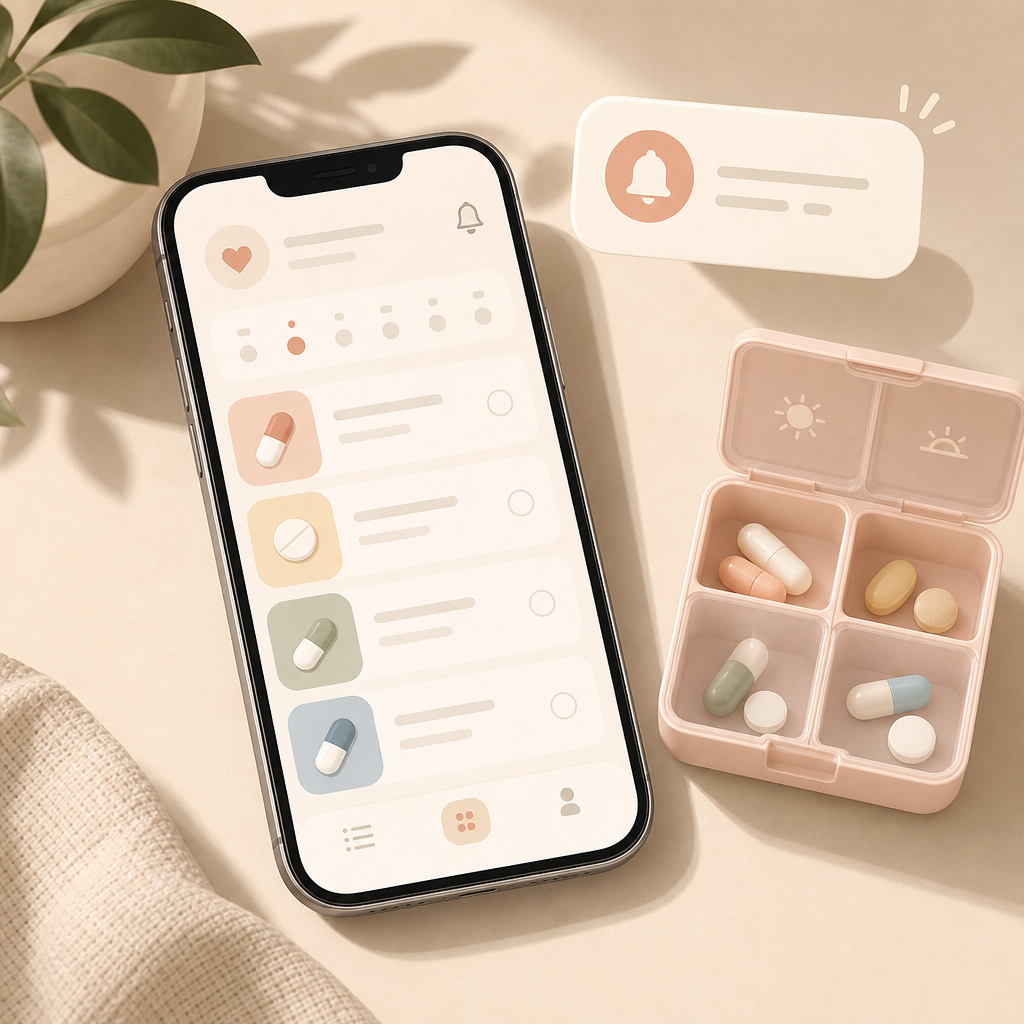 ## Set it up 1. Open the Health app on your iPhone. 2. Tap Search, then Medications. 3. Add your medicine, vitamin, or supplement. 4. Set the dose, days, and time. 5. Open Options at the bottom and turn on Dose Reminders. ## Why it helps A dedicated reminder keeps the routine out of your head. It is more useful than a normal calendar alert because you can log a dose as taken or skipped right from the medication flow. ## Make it more reliable Turn on Follow Up Reminders if you often miss notifications. If you use Apple Watch, you can log many doses from your wrist when the reminder appears. ## Important This is not medical advice. Always check medication details, interactions, and dosage with the leaflet, your pharmacy, or your doctor if anything is unclear.
Sources
Selected references used to verify or support this tip.
- Apple Support: Track your medications in Health on iPhone Apple Support · official_docs