
TL;DR
With iOS 17+, you can create a custom Contact Poster that appears full-screen when you call someone. Set it up in 2 minutes.
Checked 1 source Season: All year
 Checked
 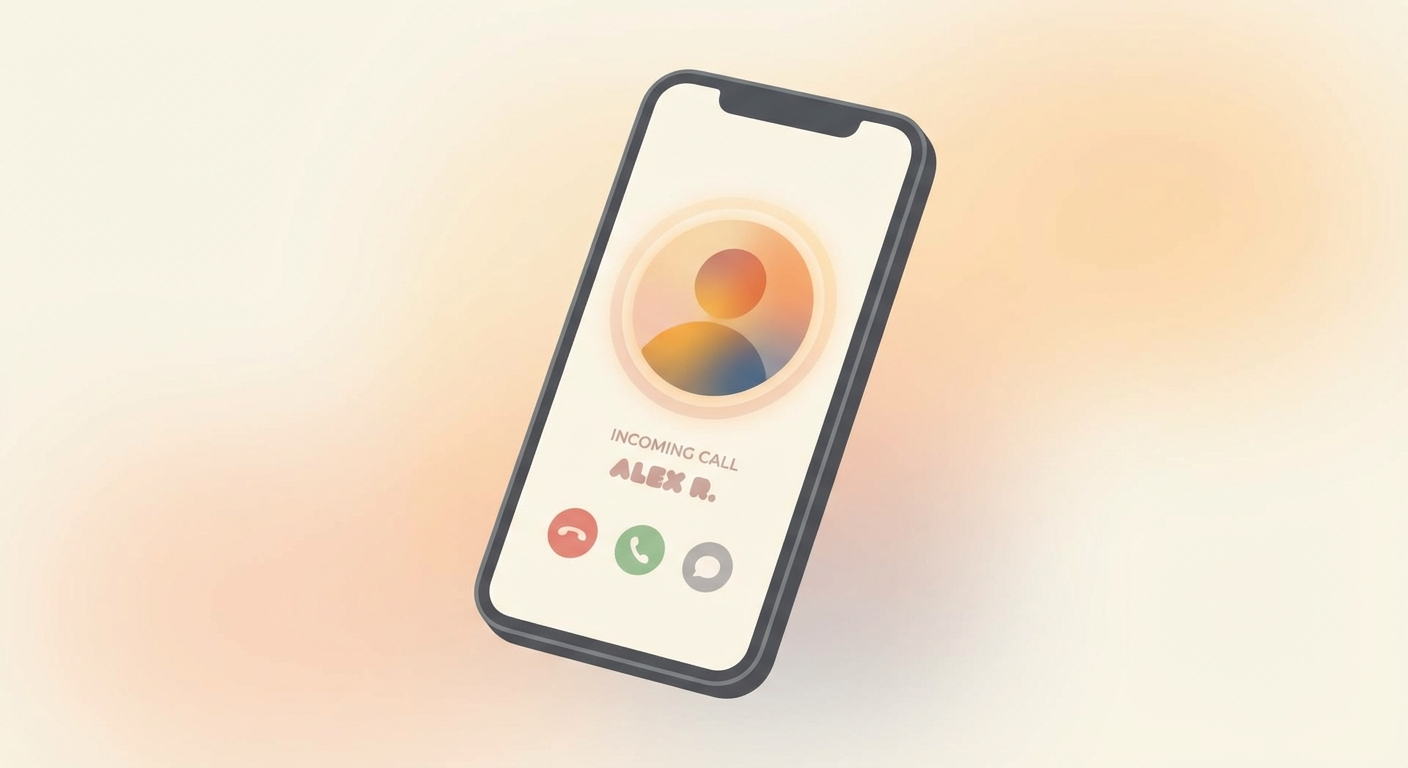 ## How to do it 1. Open **Settings** → **Contacts** → **My Card** (your own contact). 2. Tap **Contact Photo & Poster** → choose **Edit Poster**. 3. Pick a **Photo**, **Memoji**, or **Monogram** (initials) as your poster image. 4. Customize the **color**, **font**, and **layout** to your liking. 5. Tap **Done** → your poster is saved. ## Why this helps When you call someone who also uses iOS 17 or later, your poster appears **full-screen** on their display. It makes calls more personal and professional — great for business contacts who should recognize you instantly. Your poster is also shared automatically via **NameDrop** (sharing contacts through AirDrop). ## Good to know - Both parties need **iOS 17+** — on older versions, only the regular contact photo shows up. - **You decide** what image to share: photo, Memoji, or just initials — depending on your privacy preference. - Also available on **iPad** (iPadOS 17+) and **Mac** (macOS Sonoma+).
Sources
Selected references used to verify or support this tip.
- Apple Support: Add or edit your contact info and photo on iPhone Apple Support · official_docs