
TL;DR
Use Siri silently in offices, libraries, and public spaces. 3 methods that work on any iPhone.
Checked 1 source Season: All year
 Checked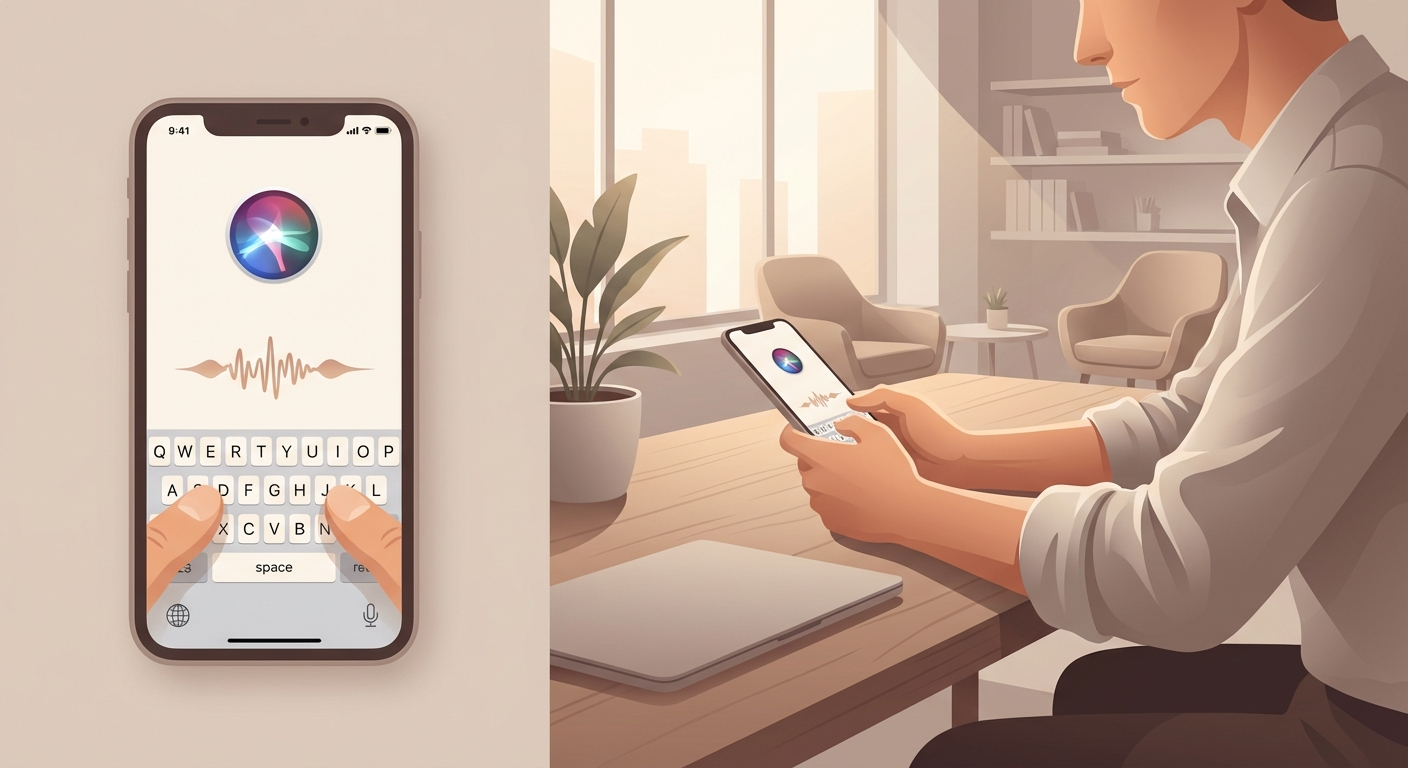
How It Works
Method 1: Apple Intelligence (iPhone 15 Pro+ with iOS 18)
The best solution - switch between typing and speaking anytime:
- Settings -> Apple Intelligence & Siri
- Tap Talk & Type to Siri
- Enable Type to Siri
- Double-tap bottom of screen -> keyboard appears
Advantage: No need to choose - type sometimes, speak others, whatever fits the moment.
Method 2: Control Center Button (iOS 18+)
Quick access via Control Center:
- Open Control Center
- Tap + (top left) -> Add a Control
- Search for Siri
- Add Type to Siri
- Drag button to desired position (can resize)
Advantage: One tap to Control Center -> instant typing!
Method 3: Accessibility (iOS 17 and older)
For older iPhones without Apple Intelligence:
- Settings -> Accessibility
- Under General -> Siri
- Enable Type to Siri
- Activate Siri (Side button) -> keyboard appears
- Type your question -> tap Done
Downside: You must choose - ONLY typing OR ONLY speaking (not both). Switching = adjusting settings again.
Bonus: Spotlight as Quick Alternative
For simple questions (timers, facts, conversions):
- Open Spotlight (swipe down on Home screen)
- Type your question: "How tall is the Eiffel Tower?" / "Timer 5 minutes"
- Siri suggestions appear -> tap
Good for: Knowledge questions, timers/alarms, quick lookups Not for: Complex commands (opening apps, changing settings)
Why This Helps
Perfect for quiet environments:
- Office: Don't disturb colleagues during meetings
- Public Transport: No weird looks from strangers
- Library: Stay quiet
- Late evenings: Don't wake partner/kids
- Privacy: No sensitive questions spoken aloud
- Accessibility: For people with speech difficulties
Practical examples:
- Set timer during meeting (silent typing)
- Create reminder on train
- Look up route without speaking
- Send message in quiet environment
Important:
- With Apple Intelligence (iOS 18+) you can flexibly switch between typing and speaking - that's the best solution!
- Older iPhones: Accessibility method works, but you must commit to one input method.
- For simple questions, Spotlight is often faster than Siri.
Sources
Selected references used to verify or support this tip.
- Apple Support: Change Siri accessibility settings on iPhone Apple Support · official_docs