
 Checked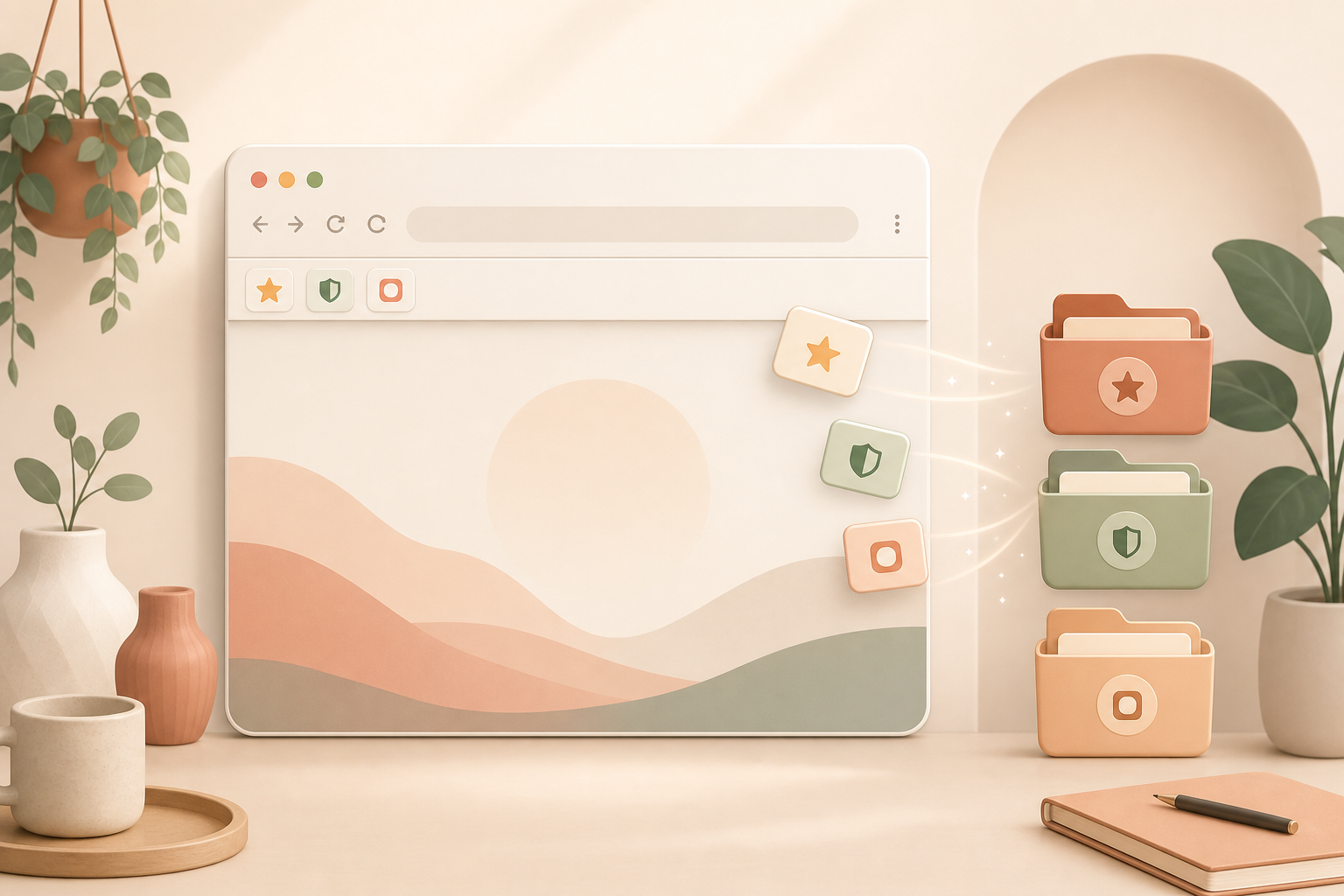
Set up the bar again
Open your bookmarks bar and treat it as a tool bar, not as an archive. Anything you only might want to read again someday should leave the visible bar. Keep only pages you actively use: calendar, password manager, banking, admin screens, project boards, time tracking or frequently used internal tools.
Be strict. If you have not clicked a bookmark in the last few weeks, move it into a folder or your notes. The visible bar is for daily work, not for old research reminders.
Shorten the names
Most bookmarks do not need their full page title. Google Calendar becomes Calendar, Company Admin Dashboard becomes Admin, and Online Banking Login becomes Bank. If the favicon is clear enough, you can remove the name completely.
Put the highest-use tools on the left, then the weekly tools. Everything else belongs in a folder such as Read, Reference or Later.
Why it helps
A crowded bookmarks bar quickly turns invisible. Your brain stops scanning it because too many items compete at the same level. A short bar works more like a tiny cockpit: look once, click once, done.
The gain is small but constant. You save clicks and, more importantly, you remove the repeated decision of where a tool lives.
A useful rule
If you have more than ten visible items, the bar is probably becoming an archive again. Review it once a month. New links only get to stay if you truly use them as tools.
Sources
Selected references used to verify or support this tip.
- Bookmark webpages to revisit in Safari on Mac Apple Support · official_docs