
 Checked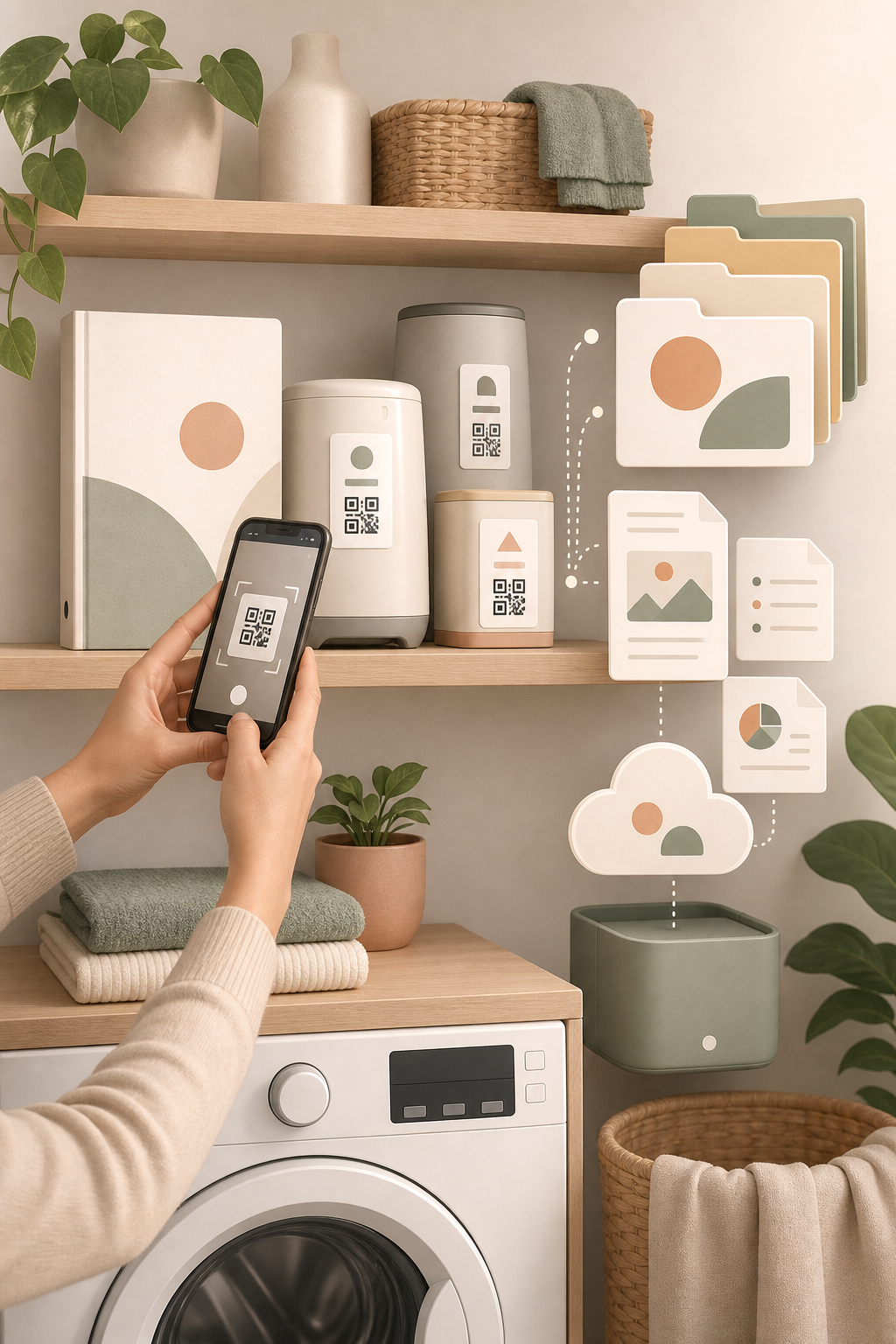
Set up one place for manuals
Create one folder that is easy to find, such as Home devices, Appliances, or Manuals. Inside it, make one subfolder per device with a clear name: Bosch washing machine WAX32M92, FritzBox 7590 router, DeLonghi Magnifica coffee machine. The goal is not a perfect archive. The goal is that future you can find the right file in ten seconds.
Save the manufacturer PDF manual, a photo of the rating plate, and, when useful, the receipt or warranty note. If the device has a QR code on the housing, display, setup card, or app screen, take a photo of that too. Many future problems start with the same questions: Which exact model is this? What does this error code mean? Which replacement part fits?
Capture the useful details early
When you buy or install a device, spend two minutes before the paper booklet disappears into a drawer. Search the manufacturer site for the PDF manual, download it, and rename it with brand, model, and device type. Then photograph the serial number, rating plate, and any special accessory labels.
For larger devices, add a small note with purchase date, seller, location in the home, consumables, and the support link. For a printer, that might include toner model, driver page, and Wi-Fi setup notes. For a dishwasher, it might include salt, rinse aid, filter cleaning, and the error-code table.
Why this saves time later
When a device fails, you do not have to search through paper booklets, old email receipts, or packaging. You open the folder, find the model number and manual, and search for the exact issue. That also helps when ordering spare parts, selling a device, or giving support a precise description.
The value compounds. After a year, you no longer have a random set of PDFs. You have a small household inventory. That becomes useful during a move, a warranty case, an insurance question, or when someone else at home needs the instructions quickly.
What to watch out for
Do not treat safety-related repairs as a DIY challenge just because you found the manual. With electricity, gas, water, batteries, heating, or built-in appliances, the manual is useful information, not a qualification. Use it to identify the model and issue, then call a qualified person when the work is risky.
If you use cloud storage, rely on clear file names instead of only app search. A strong naming rule is Brand_Model_DeviceType_Year.pdf. That keeps the archive useful even if you later change app, computer, or storage provider.
Sources
Selected references used to verify or support this tip.
- Apple Support Manuals, Specs, and Downloads Apple Support · official_docs