
TL;DR
Quick Look previews images, PDFs, videos, and many other files directly in Finder: select a file, press Space, and inspect it without launching an app.
Checked 1 source Season: All year
 Checked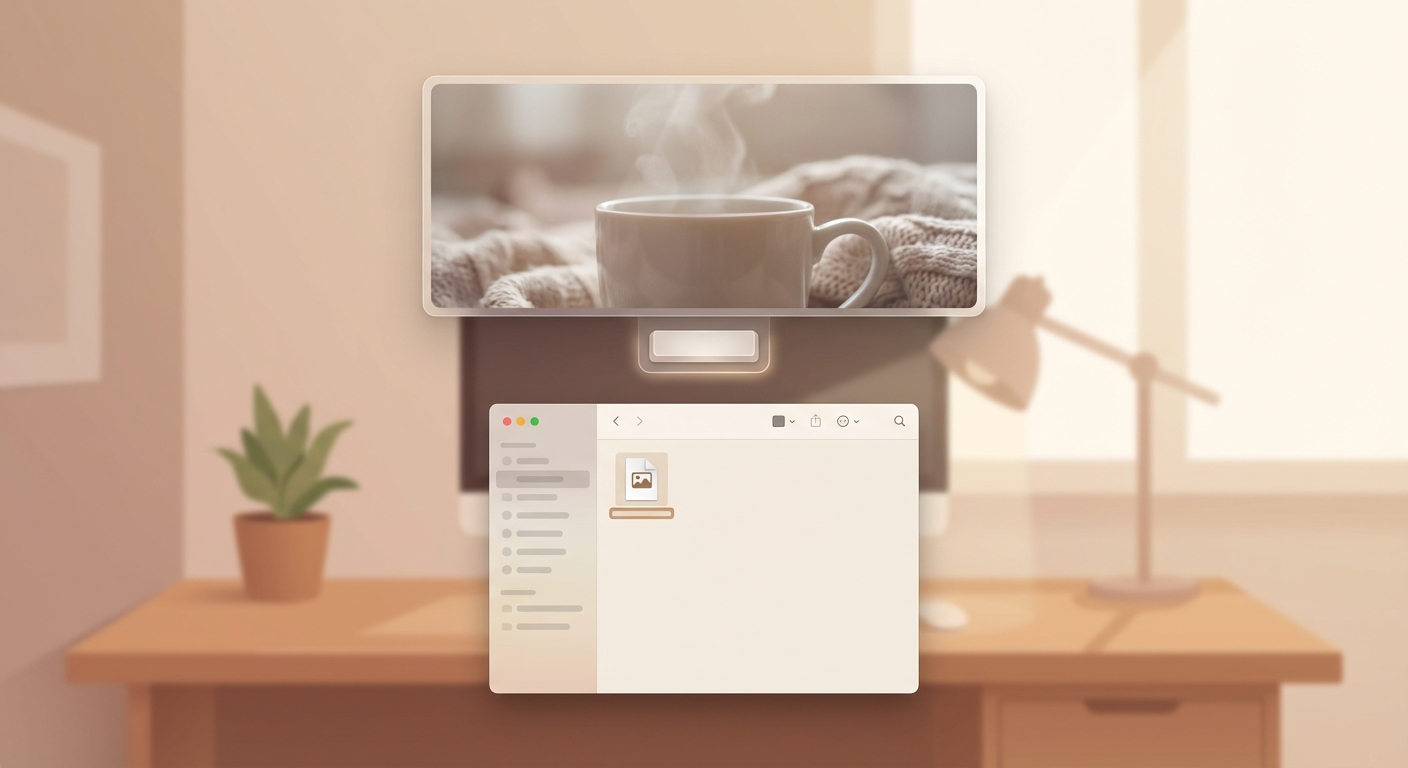
How to do it
- Select a file in Finder – single click (don't double-click).
- Press the Space bar – a preview opens instantly in an overlay window.
- Use arrow keys – flip through multiple files without closing Quick Look.
- Press Space again or Esc – close the preview.
What Quick Look supports
- View and mark up or rotate images and PDFs
- Play audio and video, and trim supported clips
- Browse multiple files with arrow keys or the grid view
- Inspect many other common formats; the exact preview depends on the file type and installed apps
Why this saves you time
Quick Look renders files at the system level – no app needs to launch. When you're browsing a folder with dozens of files, you find the right one in seconds instead of opening each individually.
Especially handy for sorting through photo folders, checking PDFs, or peeking into config files.
Pro tips
- Select multiple files → Space → arrow keys to flip through them (slideshow-style)
- Full screen: Click the expand icon in the Quick Look preview
- Quick Look plugins add support for extra formats (e.g.,
.webp,.csv) - Works in Spotlight too (Cmd+Space): highlight a result → Space bar
Sources
Selected references used to verify or support this tip.
- Apple Support: View and edit files with Quick Look on Mac Apple Support · official_docs