
 Checked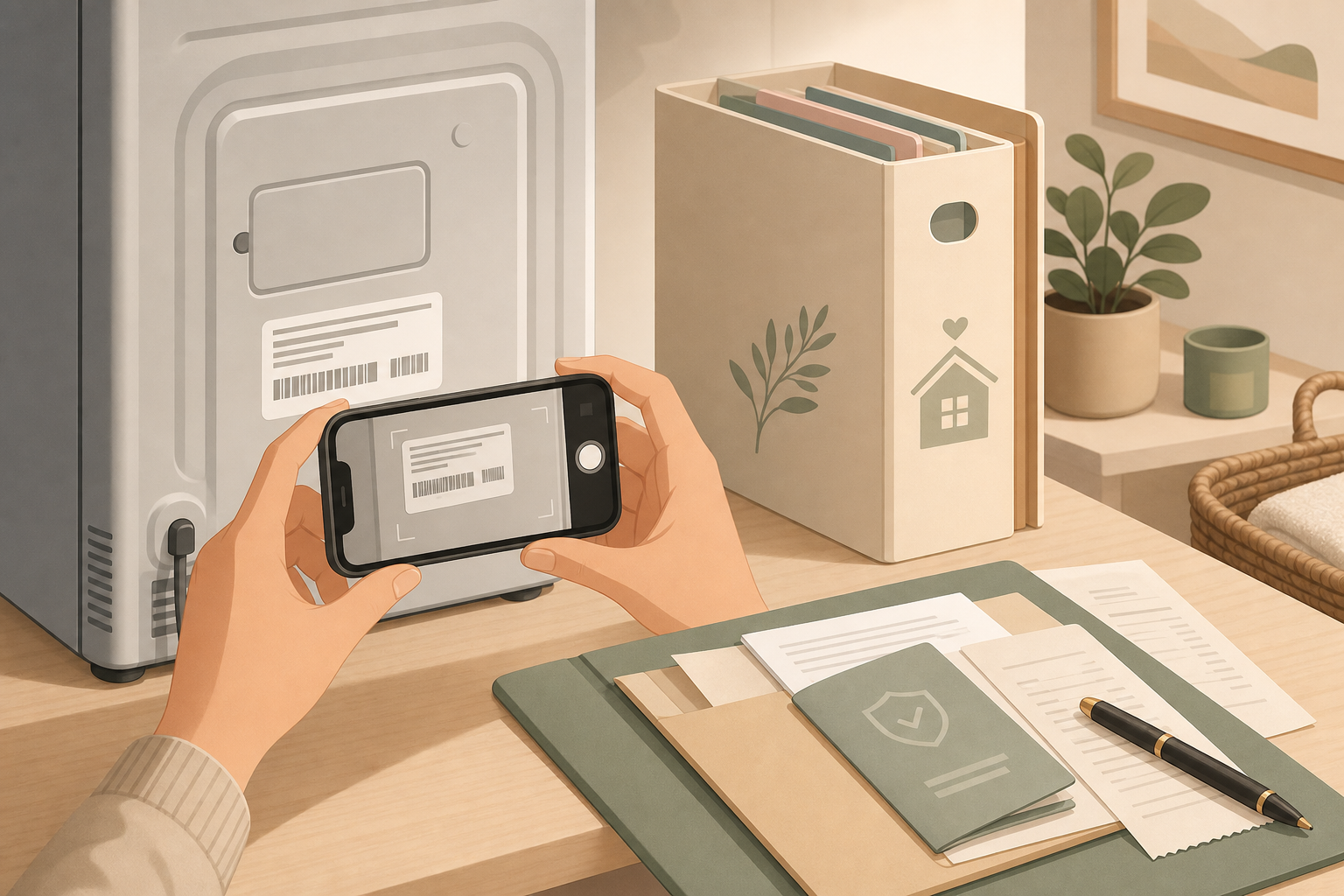
Set up one appliance album
Photograph the labels on devices where parts, support, or warranty questions are likely: washing machine, dryer, fridge, dishwasher, router, printer, television, coffee machine, and vacuum cleaner. Make sure the model number, serial number, manufacturer, and type label are readable.
Create a private album in your photo app or document storage called "Appliances" or "Home inventory". For each device, save one photo of the label and, if you have it, the receipt, warranty document, or order confirmation.
Capture the details that matter
A useful record needs more than one blurry close-up. Take one photo of the full device, then one close photo of the label. This is especially worth doing for built-in appliances while you can still reach the back, underside, or inside edge.
For important devices, add the purchase date, shop, and location in your home. In a notes app, a short line is enough: "Kitchen fridge, bought May 2024, filter type X".
Why you should do it before the failure
Model labels are often in awkward places: behind the device, under a flap, or on the back of a router. When something is already broken, built in, or needed urgently, finding that label becomes a waste of time.
With the album ready, you can give support, parts shops, or warranty teams the right details immediately. You reduce wrong orders and avoid moving heavy appliances again.
Keep serial numbers private
Do not post serial numbers in public chats, resale listings, or shared cloud folders. Store the photos in a private, protected place and only share the information that is actually needed for a support case.
Sources
Selected references used to verify or support this tip.
- How to create a home inventory Insurance Information Institute · other