
TL;DR
Try Stage Manager for 10 minutes: keep your main app centered, group related windows, and park everything else at the side.
Season: All year
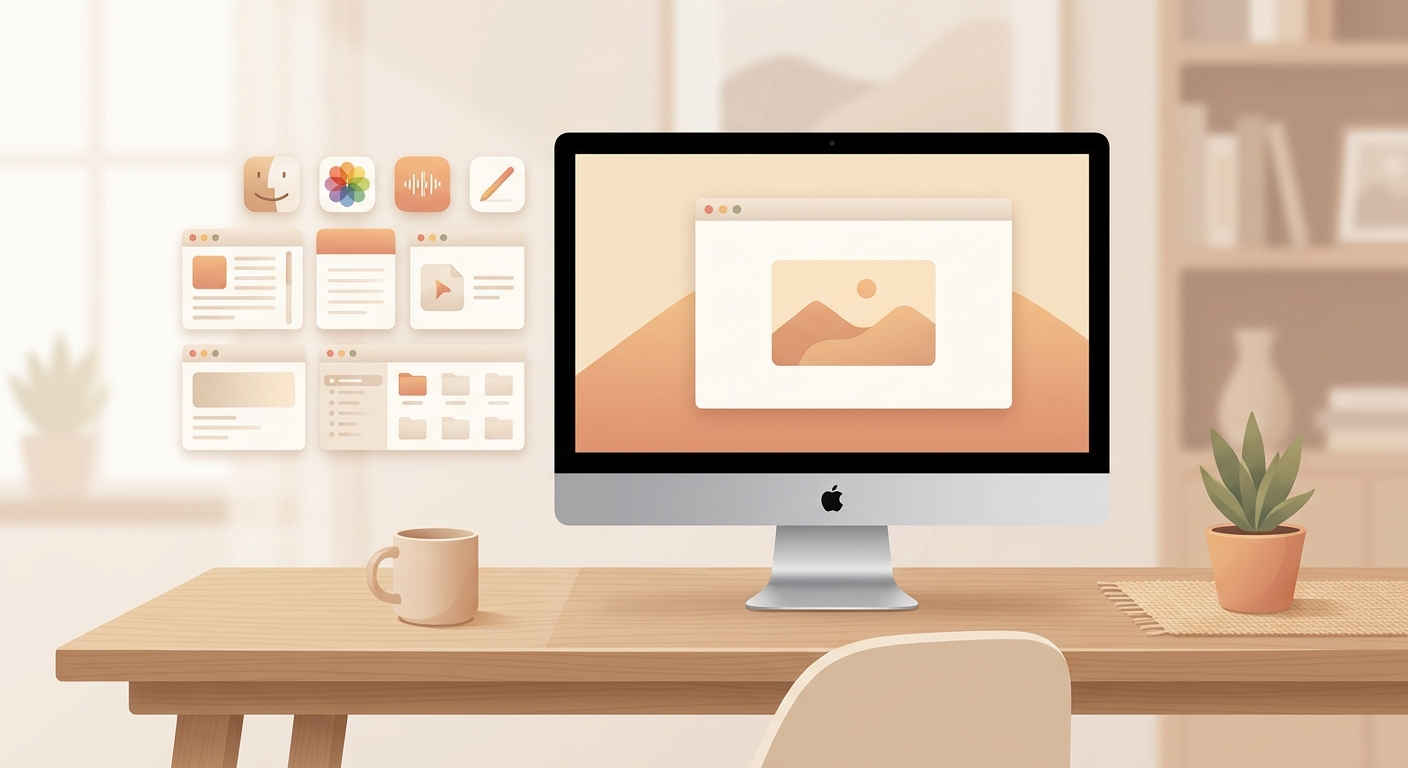 ## How to turn it on 1. Open Control Center from the Mac menu bar. 2. Click **Stage Manager**. 3. Your active window stays in the center, while other open apps appear as small groups on the left. 4. Drag related windows into the center, for example Mail plus Calendar or Browser plus Notes. 5. If it gets in your way, turn Stage Manager off again from Control Center. ## Why it helps Stage Manager does not force you into full screen mode or multiple desktops. It keeps your current work context visible and moves the rest out of the way. That means less hunting through half-covered windows and faster switching between tasks. ## The 10-minute test Create two real work groups: one for communication and one for research. Use them deliberately for a few minutes. If switching feels faster, keep Stage Manager on. If you already live in Spaces, full screen apps, or a dedicated window manager, you may not need it.