
TL;DR
The Action Button on iPhone 15 Pro and newer can do much more than mute your phone. Here are 9 practical setups worth using.
Checked 1 source Season: All year
 Checked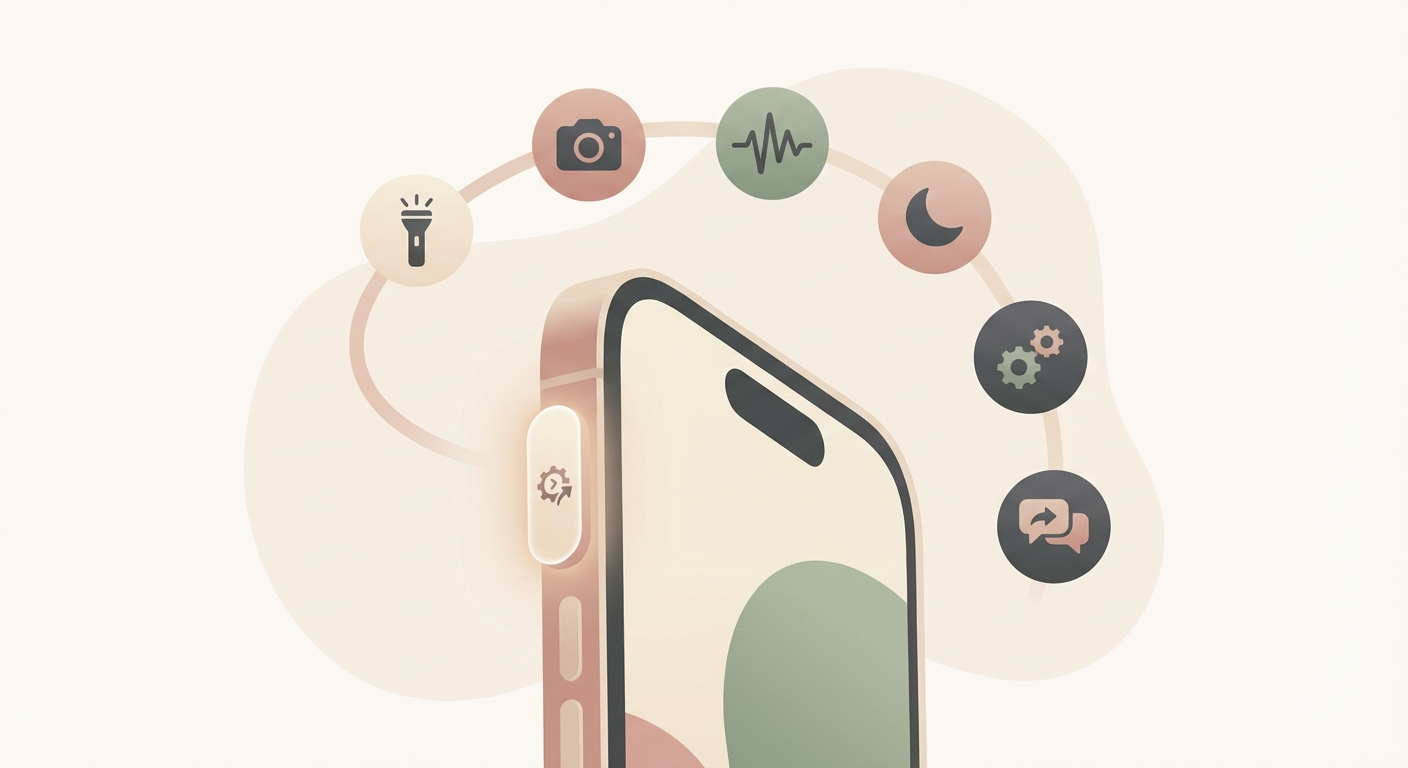
How it works
- Open Settings → Action Button on your iPhone.
- Start with the obvious options: Flashlight, Camera, Voice Memo, or Focus.
- The real power comes from Shortcuts. You can map the button to ChatGPT, Translate, capture a note, start a timer, or open a favorite app.
- If you move between places a lot, use a shortcut with conditions, for example: at home it runs a smart-home scene, on the go it opens navigation, at work it enables Focus mode.
- Nine useful everyday ideas are: flashlight, camera, voice memo, focus mode, translate, ChatGPT or Gemini, quick note or inbox, timer, and Home controls.
Why this helps
It removes taps from actions you do all the time. The button is most useful when you assign it to one action you repeatedly need fast, even from the lock screen.
Sources
Selected references used to verify or support this tip.
- Apple Support: Use and customize the Action button on iPhone Apple Support · official_docs