
TL;DR
Use Siri silently in offices, libraries, and public spaces. 3 methods that work on any iPhone.
Checked 1 source Season: All year
 Checked
 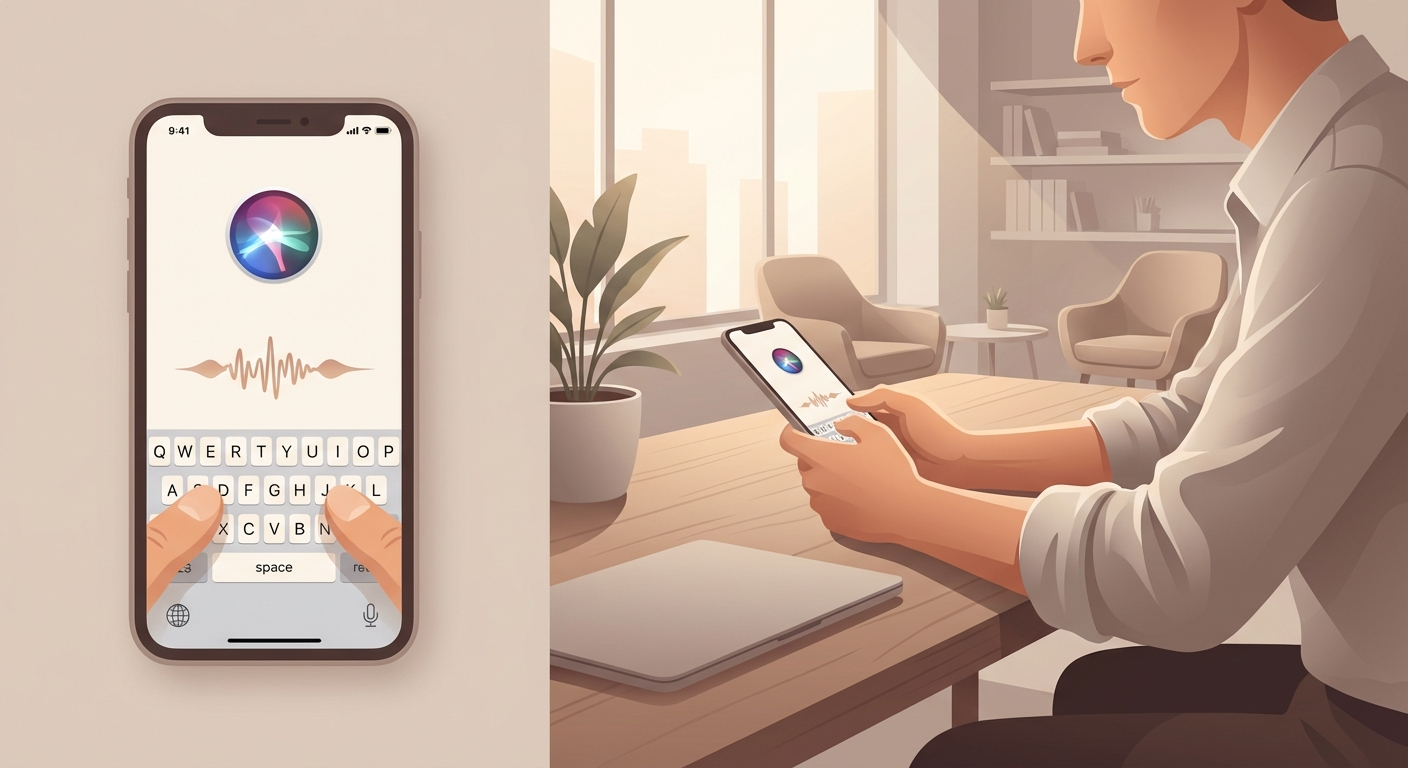 ## How It Works ### Method 1: Apple Intelligence (iPhone 15 Pro+ with iOS 18) **The best solution** - switch between typing and speaking anytime: 1. **Settings** -> **Apple Intelligence & Siri** 2. Tap **Talk & Type to Siri** 3. Enable **Type to Siri** 4. **Double-tap bottom of screen** -> keyboard appears **Advantage:** No need to choose - type sometimes, speak others, whatever fits the moment. --- ### Method 2: Control Center Button (iOS 18+) **Quick access** via Control Center: 1. Open **Control Center** 2. Tap **+** (top left) -> **Add a Control** 3. Search for **Siri** 4. Add **Type to Siri** 5. Drag button to desired position (can resize) **Advantage:** One tap to Control Center -> instant typing! --- ### Method 3: Accessibility (iOS 17 and older) **For older iPhones** without Apple Intelligence: 1. **Settings** -> **Accessibility** 2. Under **General** -> **Siri** 3. Enable **Type to Siri** 4. Activate Siri (Side button) -> keyboard appears 5. Type your question -> tap **Done** **Downside:** You must choose - ONLY typing OR ONLY speaking (not both). Switching = adjusting settings again. --- ### Bonus: Spotlight as Quick Alternative **For simple questions** (timers, facts, conversions): 1. Open **Spotlight** (swipe down on Home screen) 2. Type your question: "How tall is the Eiffel Tower?" / "Timer 5 minutes" 3. **Siri suggestions** appear -> tap **Good for:** Knowledge questions, timers/alarms, quick lookups **Not for:** Complex commands (opening apps, changing settings) --- ## Why This Helps **Perfect for quiet environments:** - Office: Don't disturb colleagues during meetings - Public Transport: No weird looks from strangers - Library: Stay quiet - Late evenings: Don't wake partner/kids - Privacy: No sensitive questions spoken aloud - Accessibility: For people with speech difficulties **Practical examples:** - Set timer during meeting (silent typing) - Create reminder on train - Look up route without speaking - Send message in quiet environment **Important:** - With Apple Intelligence (iOS 18+) you can **flexibly** switch between typing and speaking - that's the best solution! - Older iPhones: Accessibility method works, but you must commit to one input method. - For simple questions, **Spotlight** is often faster than Siri.
Sources
Selected references used to verify or support this tip.
- Apple Support: Change Siri accessibility settings on iPhone Apple Support · official_docs