
 Checked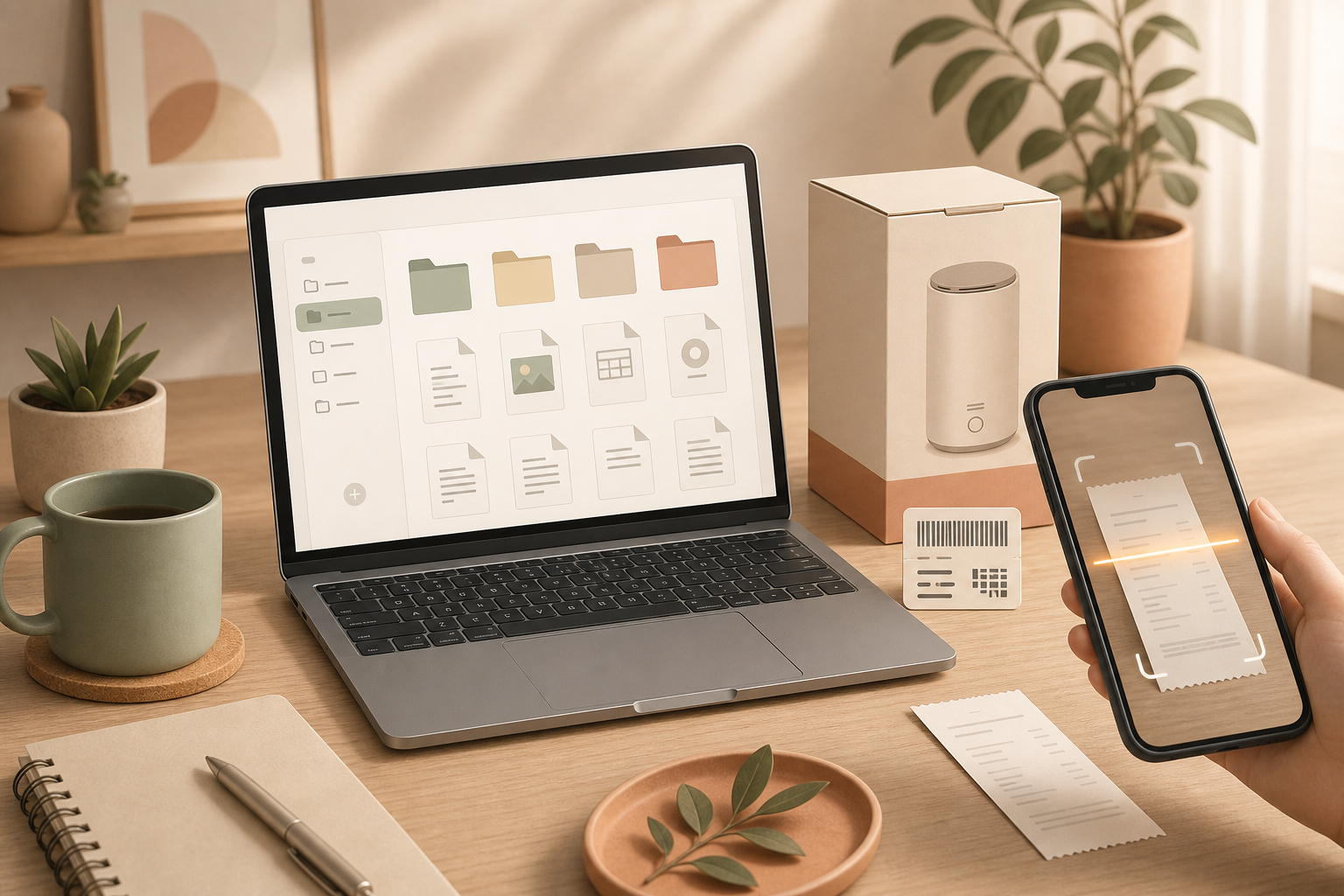
How to set it up
Scan or photograph the receipt as soon as you buy the product, before the paper disappears into a drawer. Name the file with a pattern you can understand later, for example 2026-07-24_Coffee-maker_Store.pdf.
Create one folder or album called Warranties. For expensive devices, add a photo of the serial-number label or model plate. Use the notes app, cloud drive or document app you already trust, instead of inventing a separate system you will forget.
Why it helps
When a product fails, you usually need three things: the purchase date, the seller and proof that you bought the item. Paper receipts fade, thermal paper becomes unreadable and small slips of paper tend to vanish exactly when support asks for them.
A digital warranty folder saves time later. You can answer customer support faster, check whether a warranty is still active and recover key purchase details even after moving house, replacing a phone or clearing out the original packaging.
Make it reliable
Do not leave the photo buried in your camera roll if that is not where you search for documents. Move it into the warranty folder and give it a descriptive name. Even better, add a short note with product name, model, serial number and warranty end date.
For important purchases, keep the original receipt as well if the retailer, manufacturer or local rules require it. The digital copy gives you fast access; it may not always replace the original document.
Quick checklist
- Scan or photograph the receipt immediately.
- Name the file with date, product and store.
- Save it in
Warranties. - Add serial-number or model-label photos for expensive devices.
- Keep originals for important purchases.
Sources
Selected references used to verify or support this tip.
- Warranties FTC Consumer Advice · government