
 Checked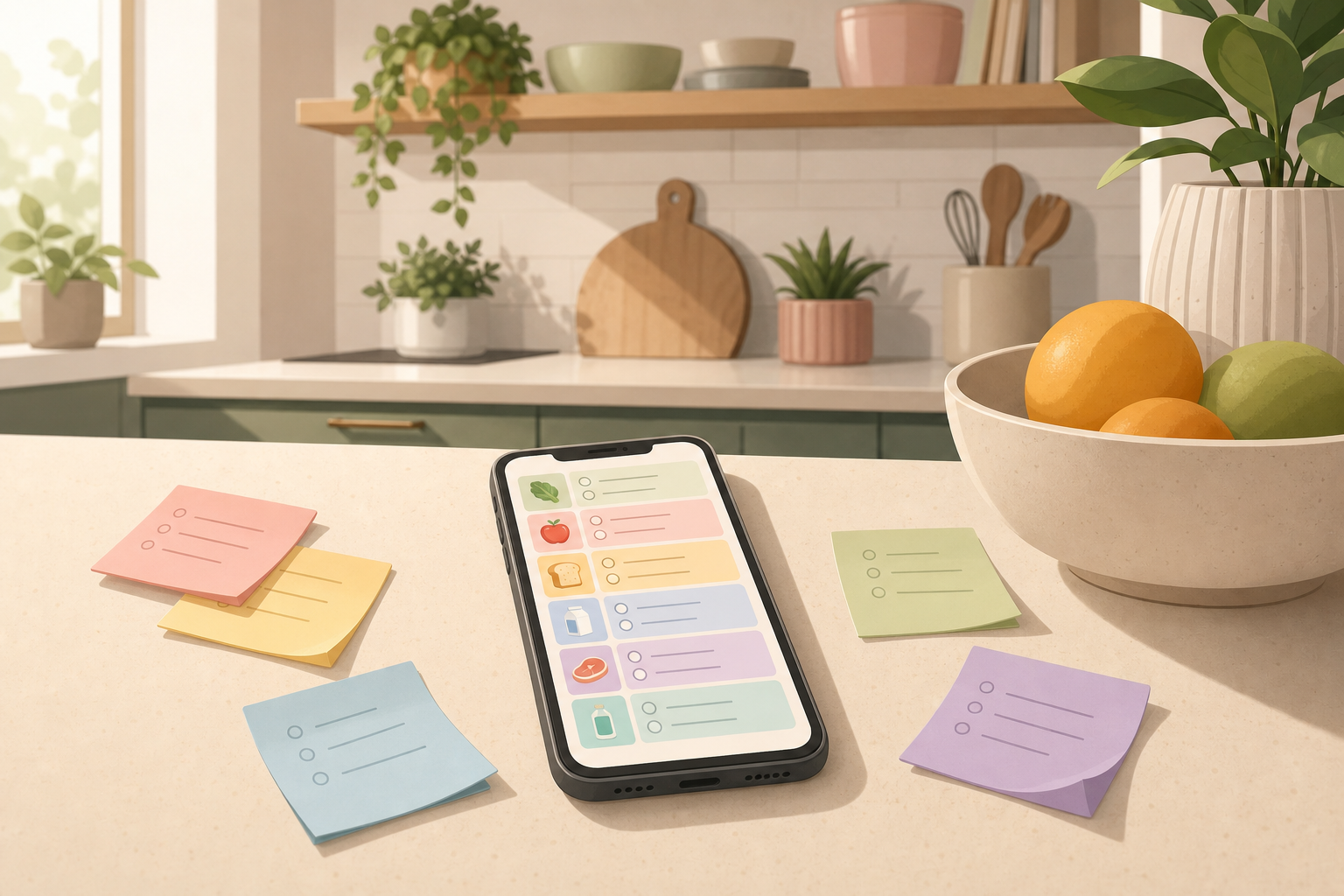
Collect the mess first
Start by putting everything into one rough note: family requests, fridge reminders, empty packages, quick ideas, and anything you remember on the way home. Do not clean it up first. The mess is exactly what the tool is good at organizing.
Use a prompt like this:
Turn this into a shopping list sorted by section: fruit and vegetables, chilled items, pantry, household, drinks, and other. Merge duplicates. Mark unclear quantities with a question mark. Do not change anything that looks like a brand or a specific request.
Ask for sections
Paste your raw note below the prompt. ChatGPT can group scattered items, merge repeated entries, and turn half-finished notes into a list you can scan in the store. This is especially useful when several people add things in different words.
If you already know where the list will go, ask for that format too: simple checkboxes for a notes app, short lines for reminders, or a table if you want to plan by store section.
Check before you shop
Do not copy the result blindly. Remove things you still have, check quantities, and watch for allergies, budget limits, or specific preferences. For package sizes and household stock, your quick reality check still matters more than the neat formatting.
Save the prompt
If you shop this way often, save the prompt as a text replacement or note template. Next time you only replace the messy input and get the same clean structure back.
Sources
Selected references used to verify or support this tip.
- Prompt engineering OpenAI Documentation · official_docs