
TL;DR
Create short triggers on your Mac for email, address, and common phrases. With iCloud, they can sync to your iPhone — where they’re even more useful.
Checked 1 source
 Checked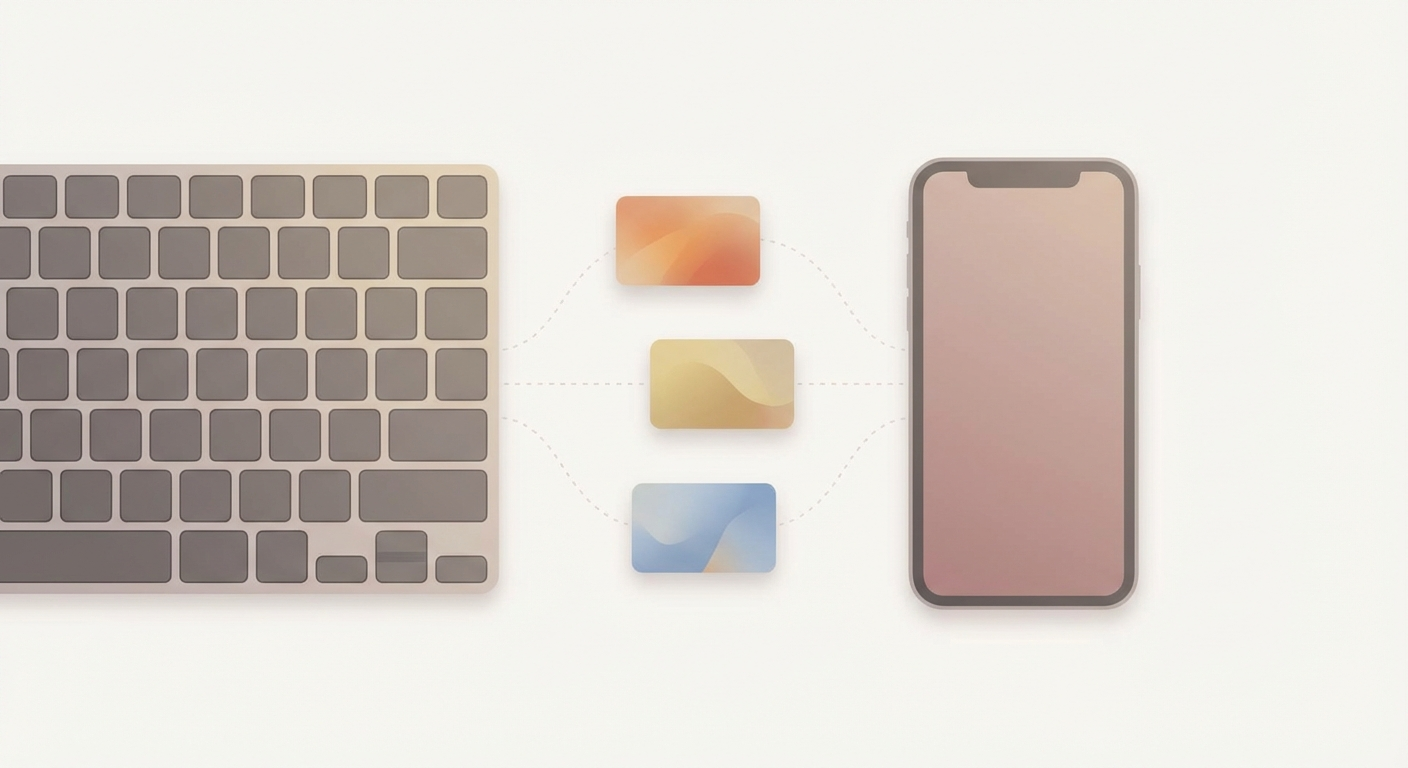
How to do it
- On your Mac: System Settings → Keyboard → Text Replacements.
- Click + and add a shortcut (e.g.
;mail) and the full text (e.g. your email address). - Add two more that you truly use daily:
;addr→ your full address;sig→ a standard sentence/signature
- iCloud tip: If you use iCloud for keyboard settings, text replacements often sync automatically to your iPhone.
- Test on iPhone: Type the shortcut in Notes/WhatsApp/Mail — it expands instantly.
Why it helps
- You type repetitive info once, then reuse it forever.
- On iPhone it’s even better because typing is slower there.
Example: ;addr → 12 Example Street, 12345 Example City
Sources
Selected references used to verify or support this tip.
- Apple Support: Mac keyboard shortcuts Apple Support · official_docs