
TL;DR
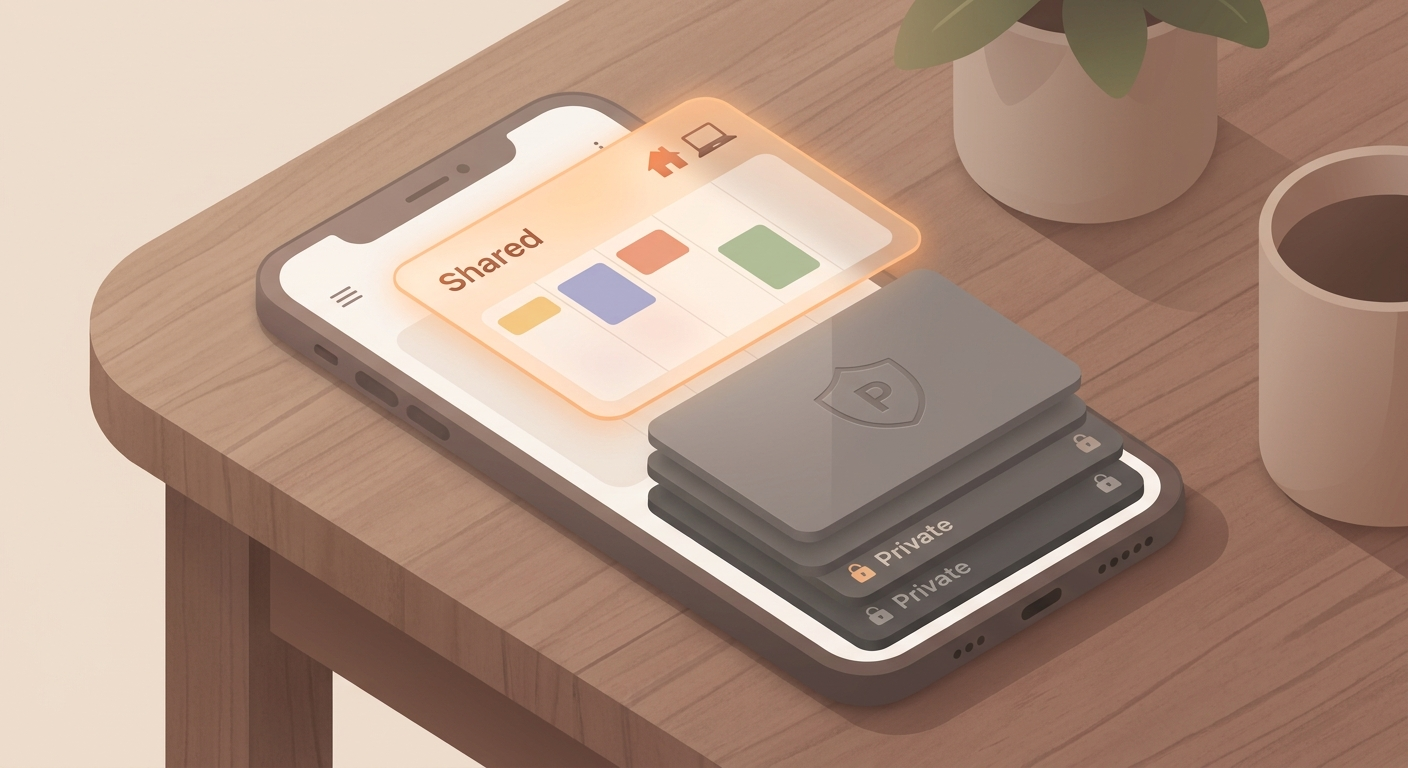
Create a separate calendar for family, clubs, or projects and share only that one. Your private appointments stay private.
Season: All year
Set it up
- Create a new calendar, for example “Family”, “Hockey”, or “Project”.
- Add only the events other people actually need to see.
- Share that specific calendar with the right people.
- When you add a new event, decide whether it belongs in your private calendar or the shared one.
Why it helps
Sharing your main calendar is often too broad. Other people may see doctor appointments, private plans, travel buffers, or focus blocks that have nothing to do with them. A separate calendar keeps planning useful without exposing your whole schedule.
On iPhone and Mac
In Apple Calendar, create a new iCloud calendar from the calendar list, then share that calendar only. A family calendar is useful at home, while clubs and projects are usually cleaner with their own dedicated calendar.
A good rule
Do not share your default calendar if a topic-based calendar is enough. The small extra step when adding events prevents awkward oversharing and makes shared planning easier to scan.