
TL;DR
Burst mode takes a rapid series of photos so you can pick the best one afterwards. Perfect for sports, kids, and pets.
Checked 1 source Season: All year
 Checked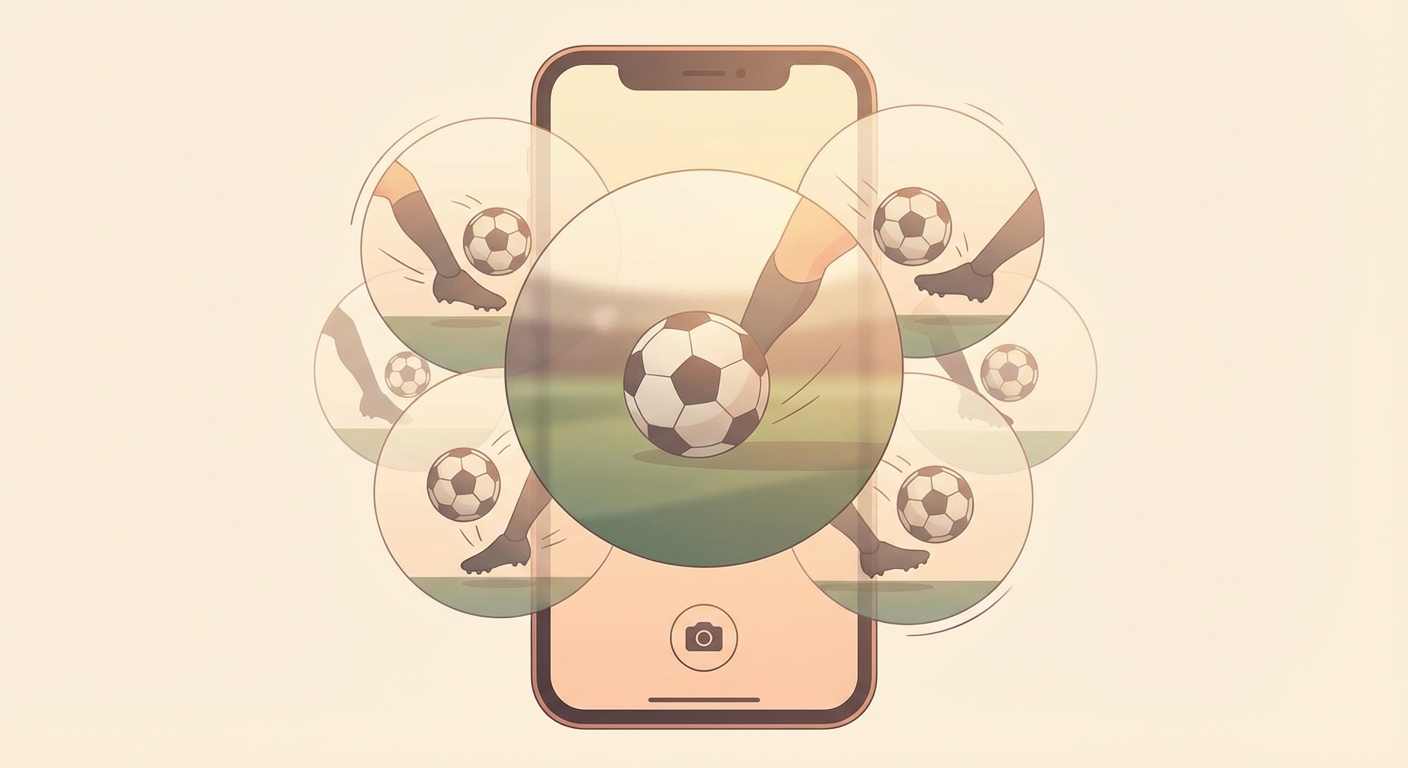
How to do it
Method 1: Swipe the shutter button left (iPhone XS and newer)
- Open the Camera app.
- Swipe the shutter button quickly to the left and hold.
- A counter at the bottom shows how many photos are being taken.
- Lift your finger to stop.
⚠️ Don't swipe too slowly — otherwise you'll trigger QuickTake (video) instead of Burst!
Method 2: Volume button (recommended!)
- Go to Settings → Camera.
- Turn on "Use Volume Up for Burst".
- Open the Camera app.
- Hold the Volume Up button → burst starts automatically.
💡 More stable than swiping and less risk of camera shake!
Older iPhones (iPhone X and earlier)
Just hold the shutter button — done.
Pick your best shots
- Open the Photos app → tap the burst photo.
- Tap "Burst".
- Swipe through the series — Apple automatically highlights the best ones with a blue dot.
- Select your favourites → tap the checkmark.
- Choose "Keep Only Favourites" → saves storage.
Why this helps
- ~10 photos per second — you'll never miss the moment.
- Apple's AI pre-selects the sharpest images with best exposure and facial expressions.
- Perfect for: sports, kids, pets, group photos (someone always blinks!), events.
Pro tips
- 📸 Start BEFORE the action — capture the full moment.
- ☀️ Good light = sharper results (low light causes blur).
- 🗑️ Delete the rest — keeping only favourites saves heaps of storage.
- 📐 Shoot low — jumps look more dramatic from below.
Sources
Selected references used to verify or support this tip.
- Apple Support: Take burst shots on iPhone Apple Support · official_docs